


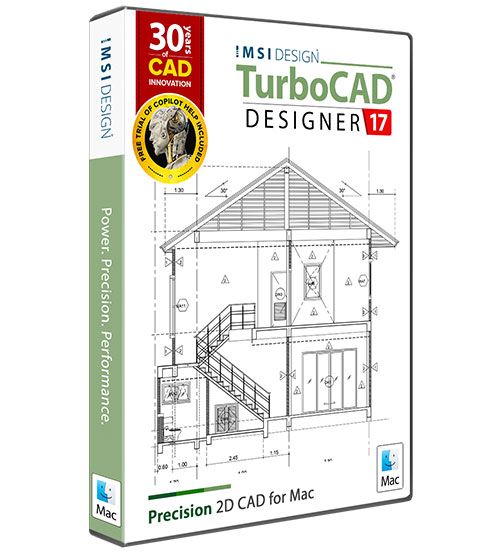
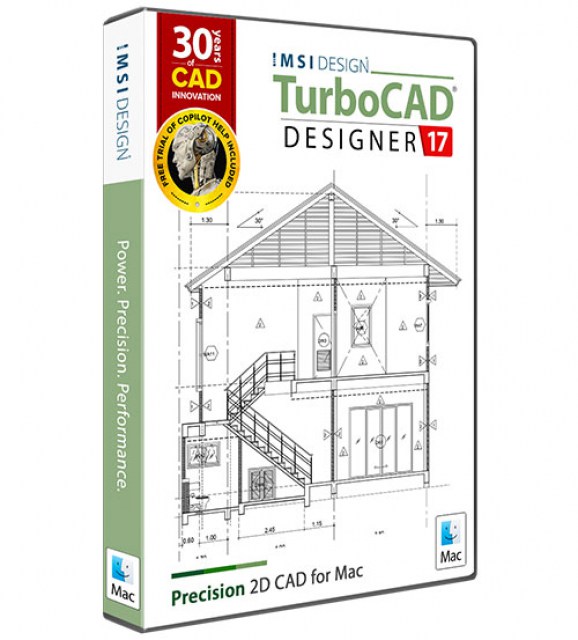
TurboCAD Mac 17 Designer 2D Term License (3 Years)

Product Info
Precision 2D Drafting & Design
TurboCAD Mac Designer 2D is the ideal choice for CAD newcomers and seasoned professionals dedicated to flawless 2D designs. Create detailed plans, schematics, and technical drawings with intuitive tools designed for efficiency and accuracy. Budget-friendly yet powerful, this streamlined software adapts to projects of any scale—from home DIY blueprints to complex architectural layouts—without the steep learning curve or expense of 3D suites.
 Multi-Language Support
Performance Improvements (Up to 22x Faster Operations)
Redesigned Custom Tools
Smarter Copilot AI
Arc Slot Polygon Drawing Tool
Stability Enhancements & Bug Fixes
 Brand Comparison
 Free Trial
 Image Gallery
 Testimonials

Key Features
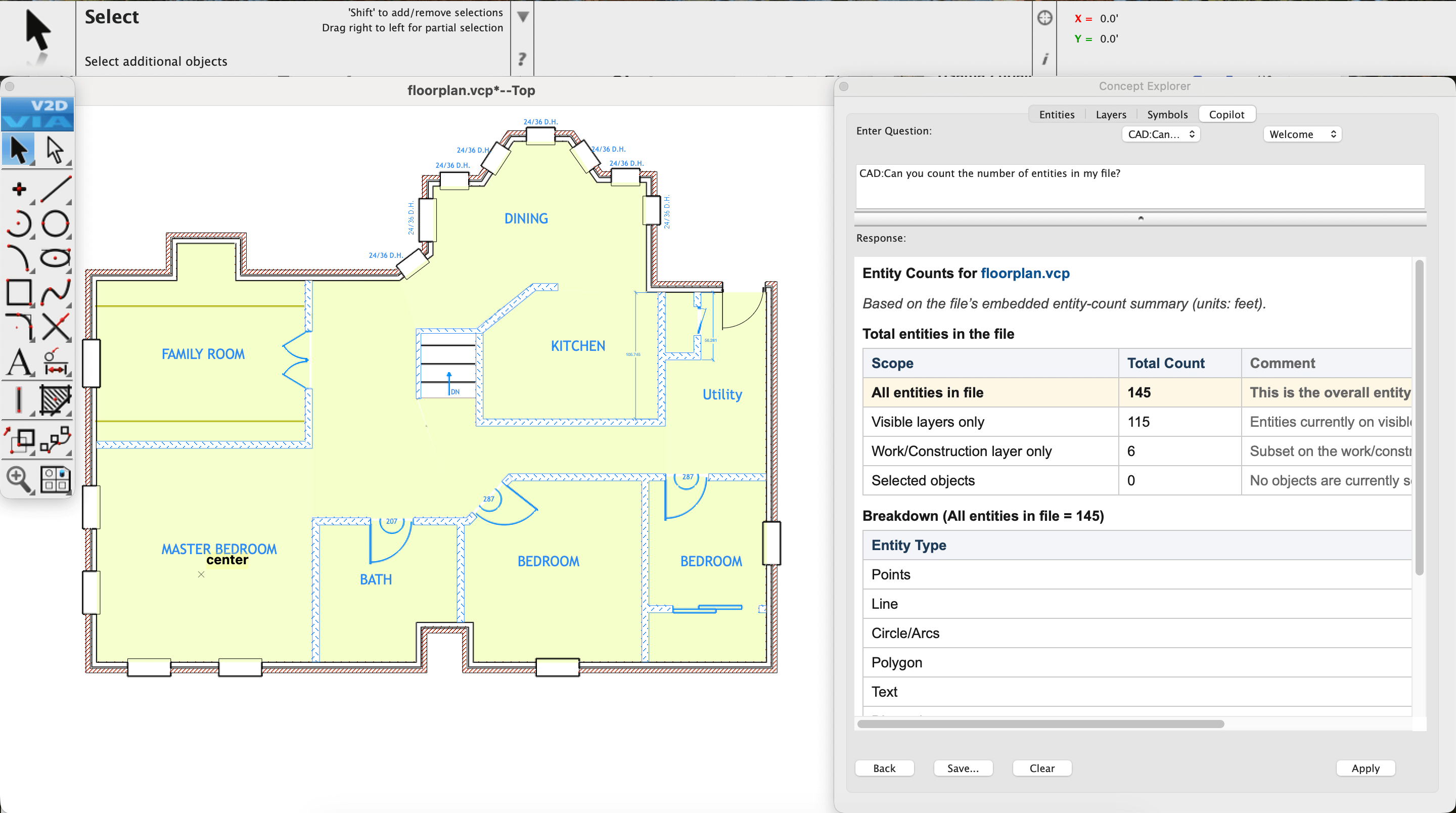
AI-Powered Copilot Design Partner
Copilot Help / Copilot Professional required
Copilot is an AI‑driven companion built into TurboCAD®, designed to make navigation easier, speed up common tasks, and provide useful guidance as you work. Copilot is available at two levels: TurboCAD® Copilot Help and TurboCAD® Copilot Professional. Copilot Help uses Retrieval‑Augmented Generation (RAG) to bring information from the TurboCAD® User Guide, FAQs, YouTube tutorials, New Features documentation, press materials, blogs, and selected User Forum categories directly into your workflow. Copilot Professional adds advanced capabilities, including Talk to Your CAD Data for direct interaction with project files, General AI access for broader design and workflow support, and Text to Image for generating visual concepts during early exploration.
Core Design & Modeling
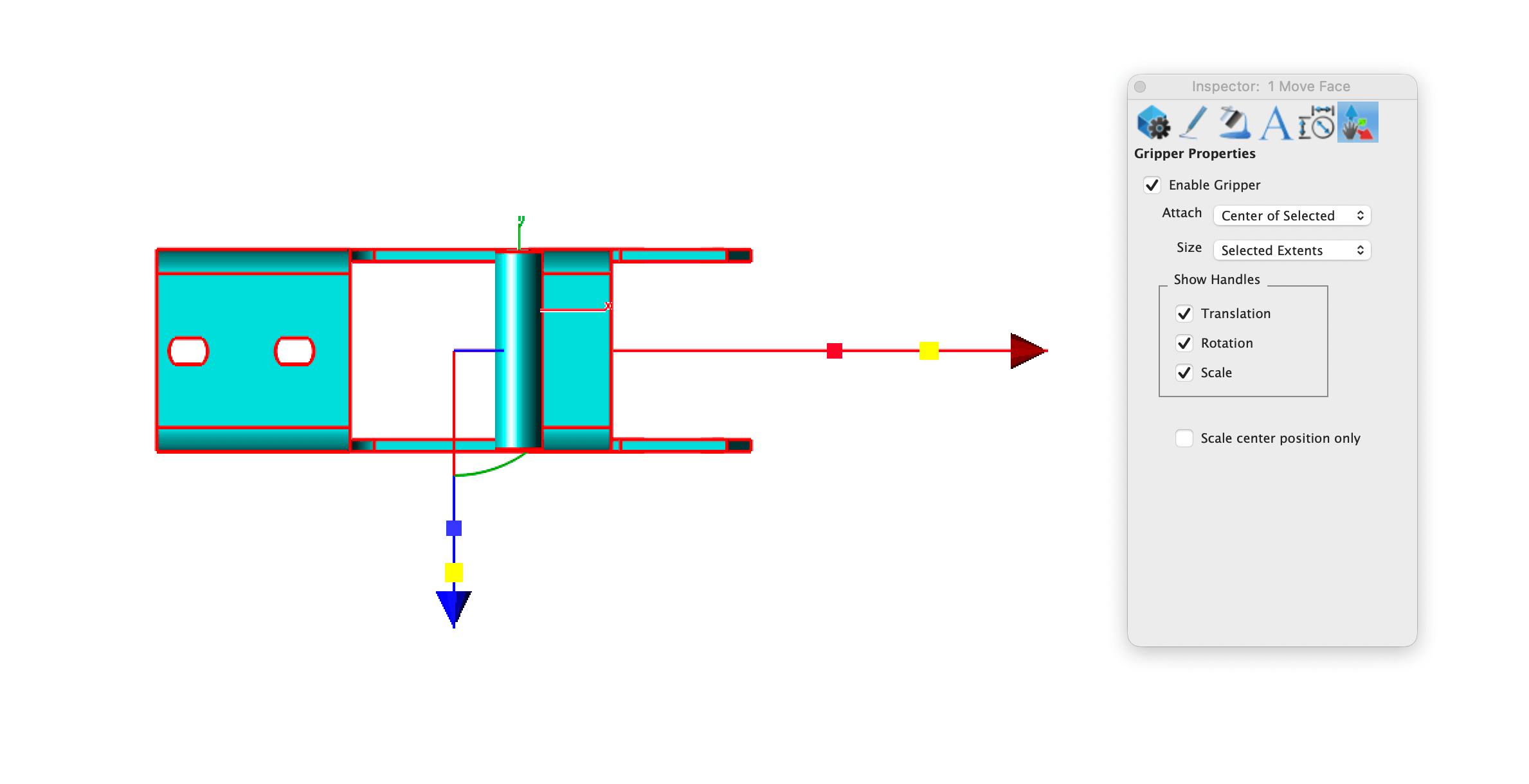
TurboCAD® Mac delivers precision drafting with LogiCursor™ technology that intuitively guides your cursor to optimal points, while the Gripper Tool streamlines edits via drag-and-drop. Customizable rectangular, polar, and isometric grids ensure flawless alignment for both 2D and 3D workflows.
Layer & Symbol Management
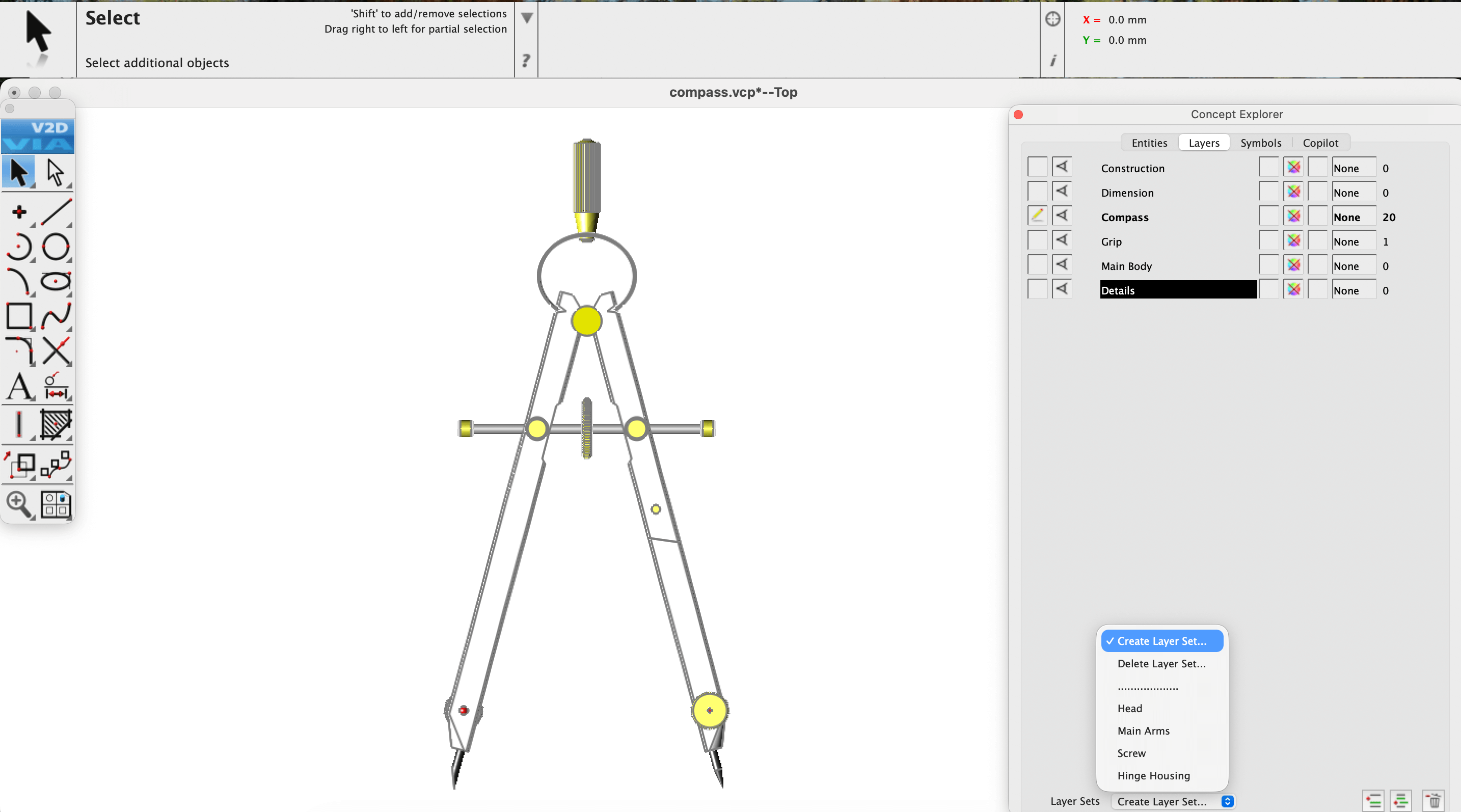
Optimize productivity with Layer Sets, enabling seamless saves of layer configurations, views, and zoom levels. The Symbol Manager further accelerates workflows by organizing reusable components, ensuring consistency across projects. Together, they reduce clutter and enhance precision in large-scale designs.
Drafting & Documentation
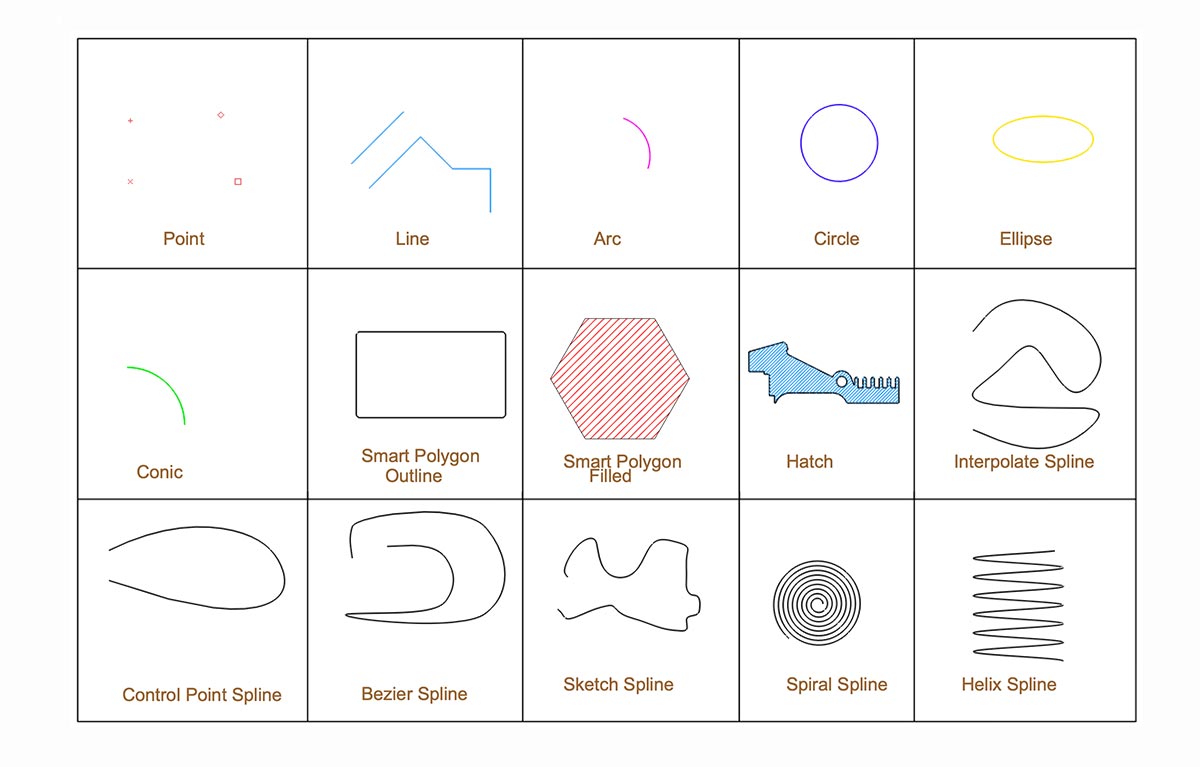
Professional-grade tools like 20+ dimension styles, spell check, and single-click hatches accelerate technical documentation. Seamlessly integrate reference images with bitmap import and maintain industry-standard accuracy across plans.
Architectural & Woodworking Specialized Tools
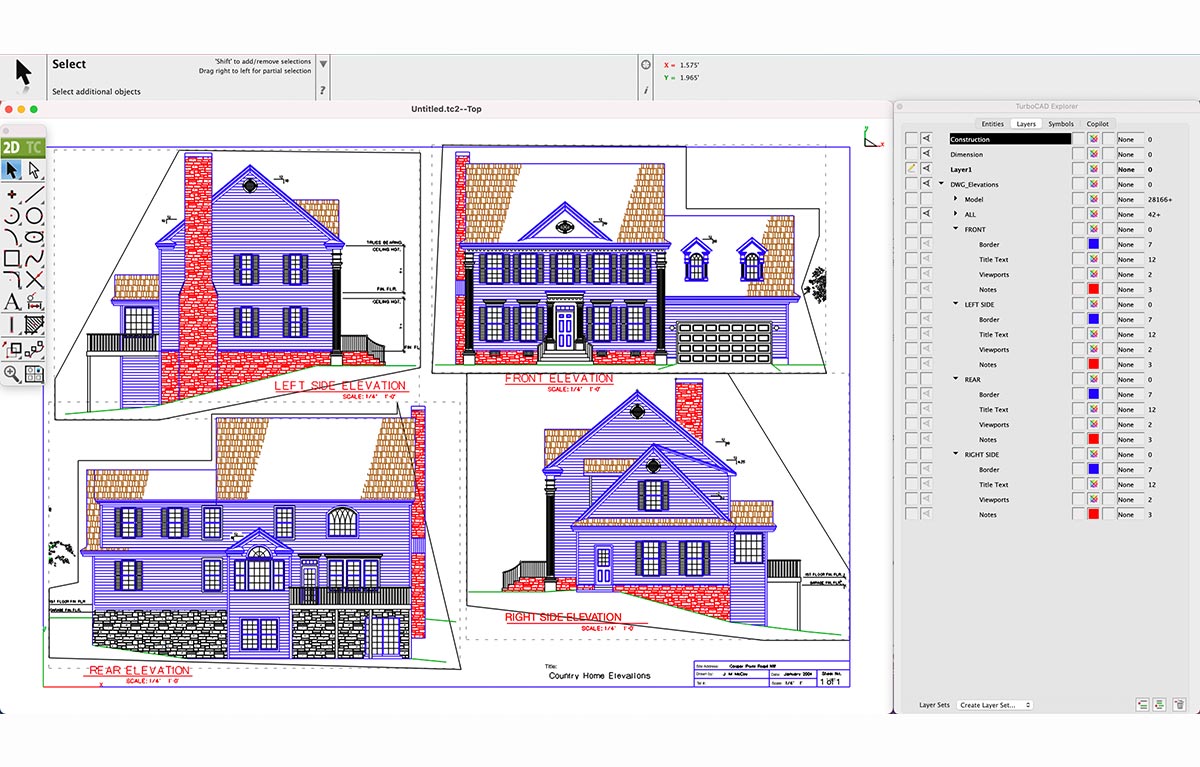
Design parametric doors/windows, composite walls, and detailed woodworking joints (dovetails, dado cuts) with customizable edge treatments for bespoke craftsmanship.
Industry-Standard File Interoperability
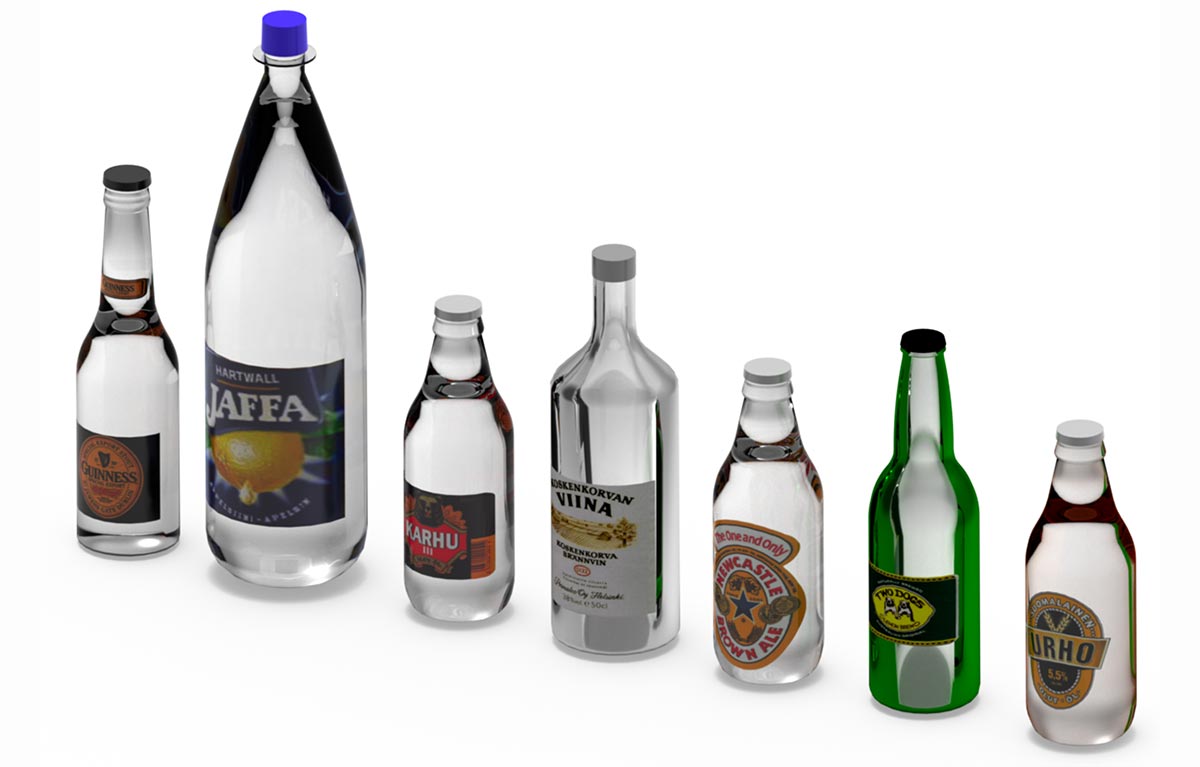
TurboCAD® Mac ensures seamless collaboration with support for 30+ file formats (e.g., DWG, STEP, SketchUp, PDF, STL). This enables effortless import/export with tools like AutoCAD®, Adobe Illustrator®, and CNC machines, streamlining cross-platform workflows for architects, engineers, and manufacturers.
New Features
Dark/Light Mode
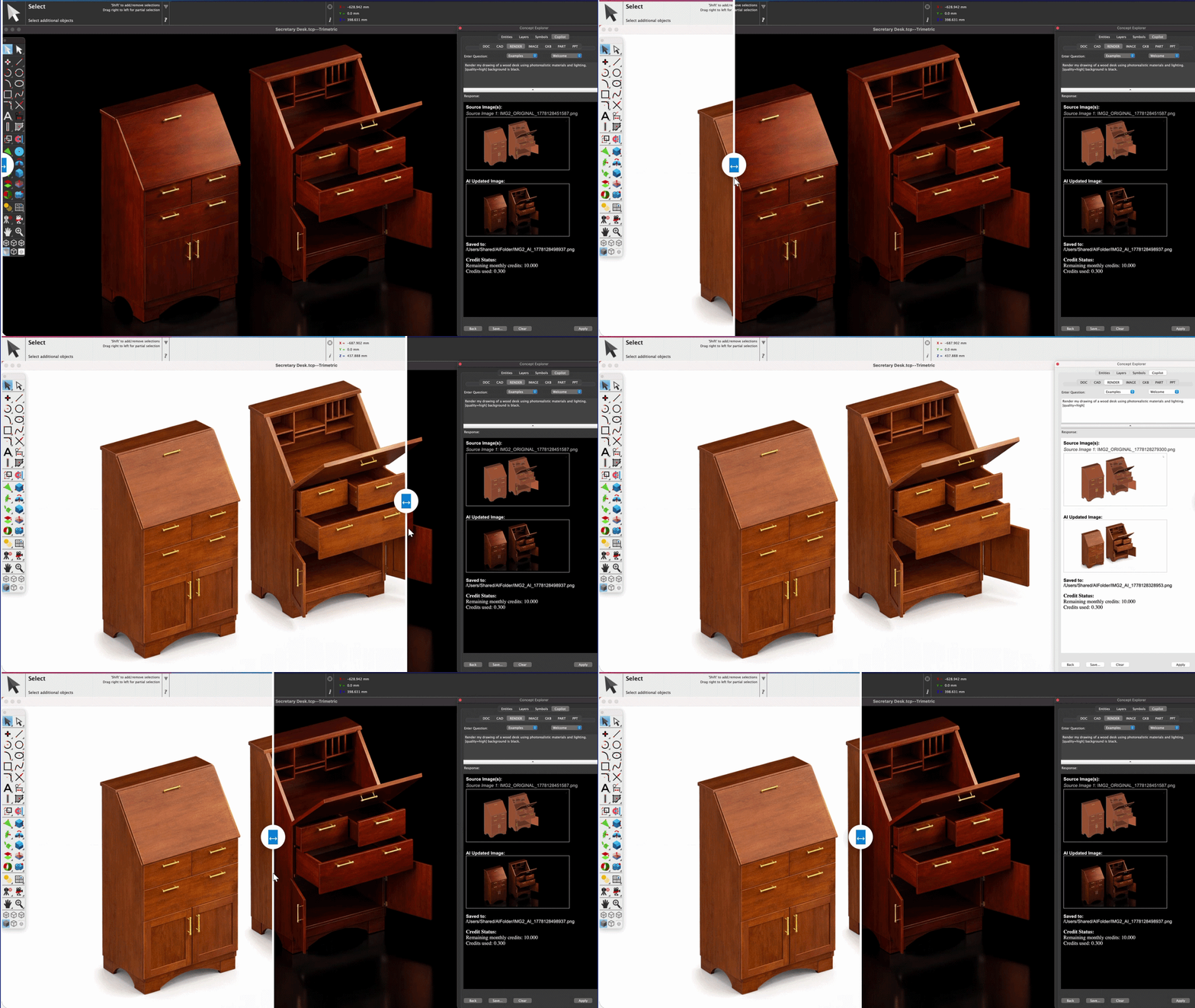
The Dark and Light mode graphics have been updated throughout the interface, improving the appearance of dialogs, menus, and tool palettes. These updates provide clearer contrast, better readability, and a more consistent visual experience across both themes, ensuring that the interface remains comfortable to use in a wide range of lighting conditions.
Copilot Render
Copilot Professional required
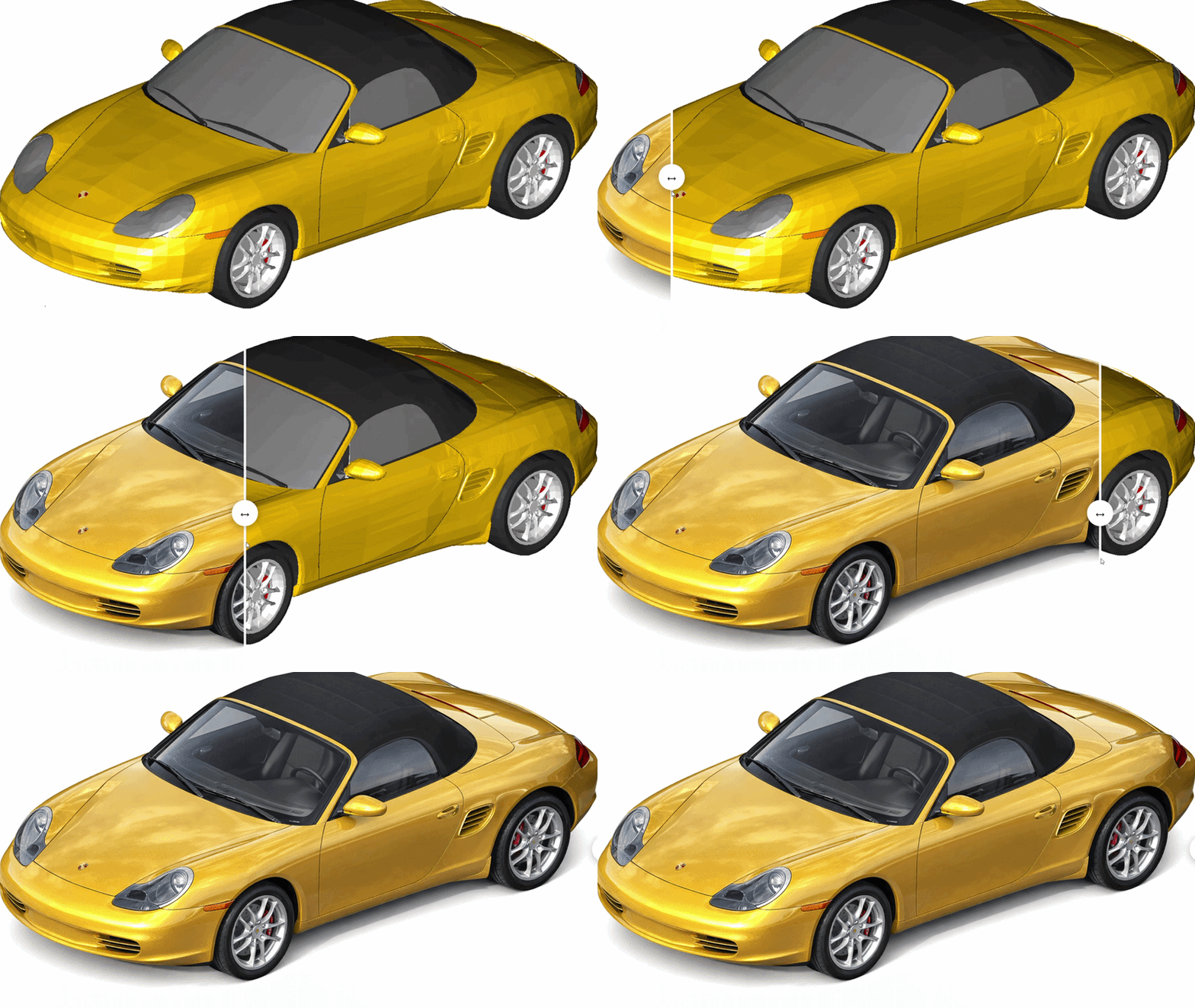
Copilot Render turns CAD drawings into expressive visual concepts using natural‑language prompts. It generates styled renderings directly on top of the existing geometry, supports multiple variations, and enables rapid exploration of materials, lighting, and design alternatives. It also allows adding, removing, or modifying shapes, works with 2D and 3D files, and can use reference images for materials and style—making it ideal for early‑stage visualization, reviews, and presentation‑ready concepts.

Tool Icon Interface
The tool icons have been updated to scalable SVG graphics, delivering crisp, high‑resolution visuals on modern displays. In addition, the interface now supports separate icon sets for light and dark theme modes.
Stability Enhancements & Bug Fixes
TurboCAD® Mac has undergone hundreds of refinements, delivering improved stability and precision.
TurboCAD Mac Designer Reviews
"I use 2D modeling for drafting related to model ship building, and TurboCAD Mac Designer does everything I need."
Frank M.
"Very good CAD program!! I do mostly electric schematics and this program works well for that."
David W.
"I used to use AutoCAD LTE, but just do a few simple projects from time to time now, and TurboCAD Mac Designer handles them perfectly."
Eric R.
"Very good, very affordable 2D CAD program that works like a CAD program. Superior to most more expensive 'drawing' programs which may have stupid user interfaces."
Anton Z.
"Really like it. This is perfect for my occasional and simple CAD design needs, at a fantastic price. I was an AutoCAD user, but don’t need anything that expensive now."
Eric R.



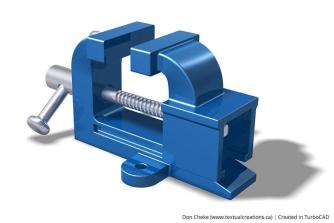
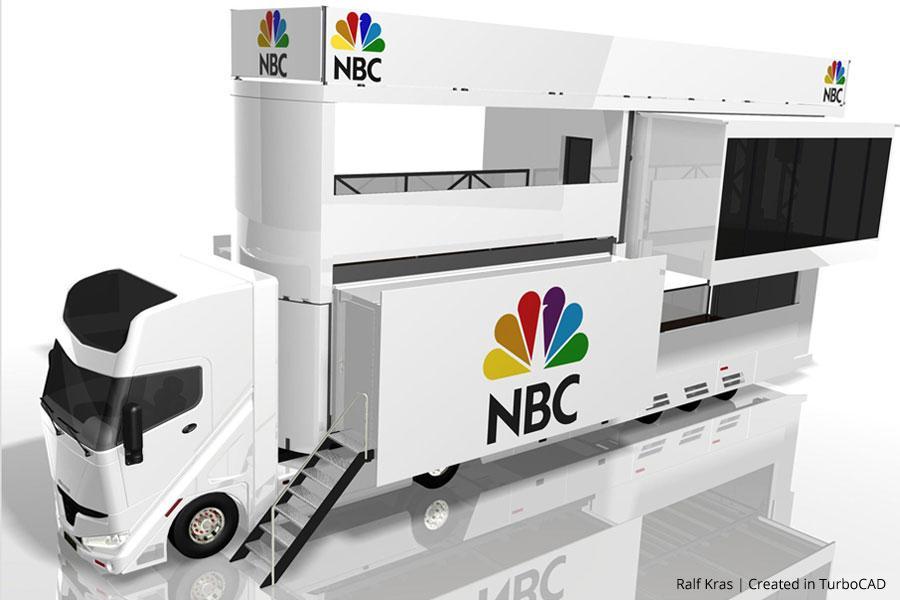
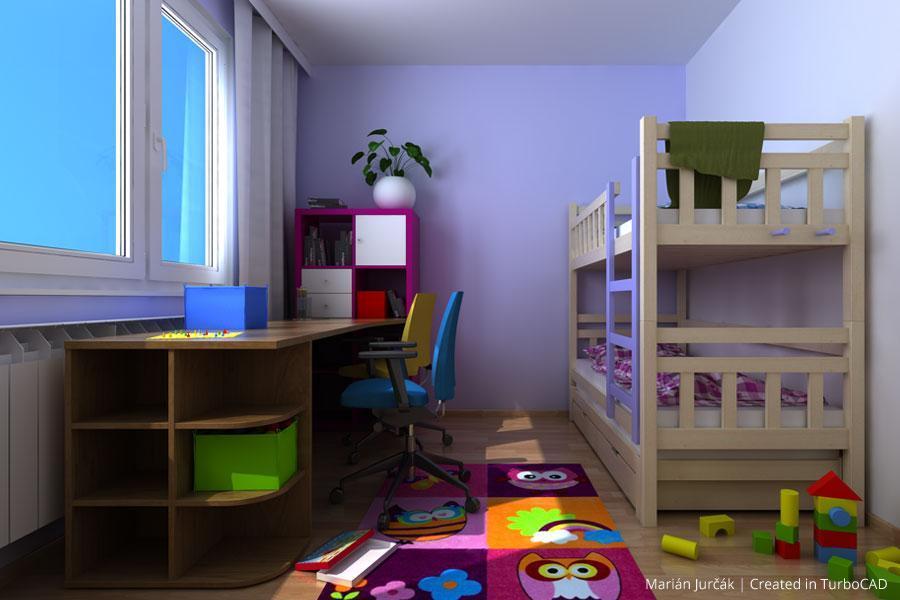
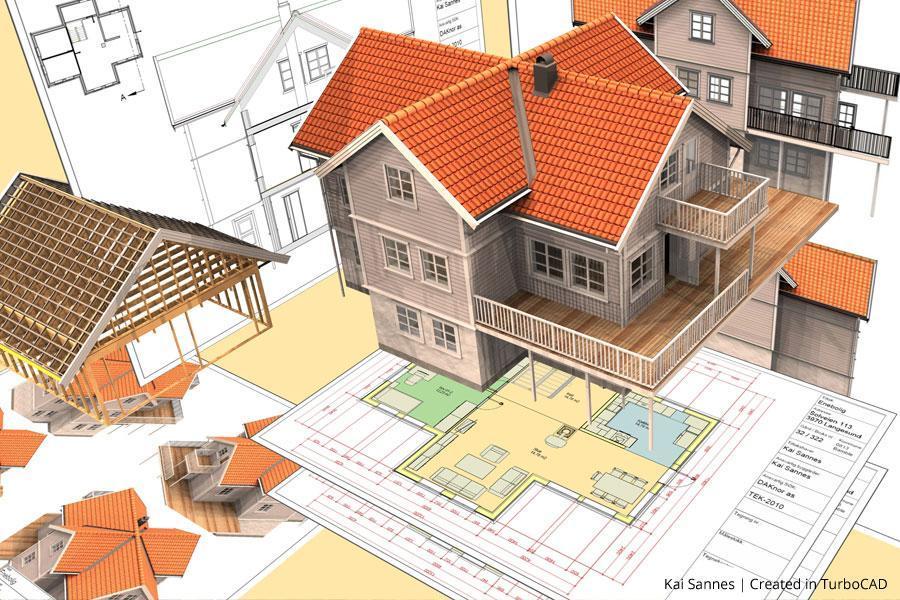



System Requirements
Minimum System Requirements
- Operating System: macOS 11.0 (Big Sur) through macOS 26.0 (Tahoe) ¹
- Processor: Apple Mac with Intel® (x64 architecture) or Apple Silicon (ARM-based M1, M2, M3, or newer)
- RAM: 8 GB or greater
- Hard Disk Space: 4 GB of free disk space for installation
- Pointing Device: Mouse with wheel button (recommended) or 3Dconnexion SpaceMouse
- Internet Connection: Required for activation, updates, online features, and term licenses (if applicable) ²
Additional Notes
- Operating System: ¹ Program compatibility is not guaranteed for earlier operating systems (pre-macOS 11.0) or future unreleased macOS versions.
- Optimal Performance: 16 GB RAM and SSD disk for improved handling of large files.
- Internet: ² User responsible for all associated ISP fees and charges.
Buy Your TurboCAD Product Now
Find the TurboCAD Mac version that best fits your needs
TurboCAD Mac Platinum
$149999
- 2D Drawing, Editing & Modifying
- AutoCAD® (DXF, DWG & DWF) File Compatibility
- 3D Solid & Surface Modeling and Editing
- Architectural Tools
- Photorealistic Rendering
- 3D Printing Support
- 2D/3D Part Library
- Multi-Threaded Support
- ACIS® Solid Modeling
- Advanced Drafting - GD&T, Mark-Up & Redlining
- Feature-Based/History Tree
TurboCAD Mac Pro
$99999
- 2D Drawing, Editing & Modifying
- AutoCAD® (DXF, DWG & DWF) File Compatibility
- 3D Solid & Surface Modeling and Editing
- Architectural Tools
- Photorealistic Rendering
- 3D Printing Support
- 2D/3D Part Library
- Multi-Threaded Support
- ACIS® Solid Modeling
- Advanced Drafting - GD&T, Mark-Up & Redlining
- Feature-Based/History Tree
TurboCAD Mac Deluxe
$39999
- 2D Drawing, Editing & Modifying
- AutoCAD® (DXF, DWG & DWF) File Compatibility
- 3D Solid & Surface Modeling & Editing
- Architectural Tools
- Photorealistic Rendering
- 3D Printing Support
- 2D/3D Part Library
- -
- -
- -
- -
TurboCAD Mac Designer
$14999
- 2D Drawing, Editing & Modifying
- AutoCAD® (DXF, DWG & DWF) File Compatibility
- -
- Architectural Tools (Limited)
- -
- -
- -
- -
- -
- -
- -