


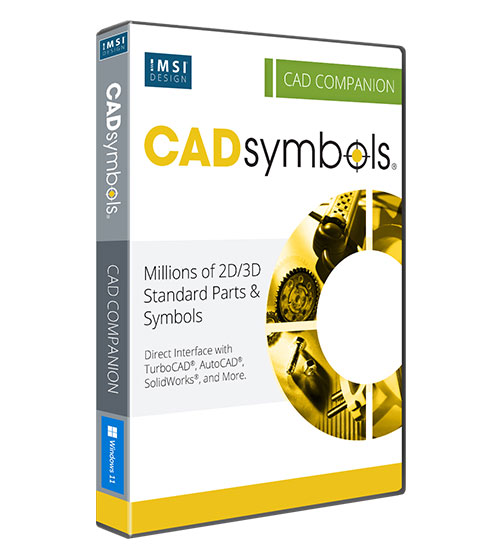
CADsymbols 20

Product Info
30+ Million Parts, Symbols and ModelsCADsymbols® significantly boosts your productivity with over 30 million standard parts, symbols, and models for architectural, mechanical, electronic, and electrical drafting and design
New: CADsymbols Web — the same catalogue in your browser, nothing to install. Try it free for 7 days at cadsymbols.com
 30 Million 2D/3D Parts & Symbols.
Direct Interface with popular CAD Applications.
Symbols can be saved to popular CAD and graphic file formats.
Vector & Bitmap Formats supported.
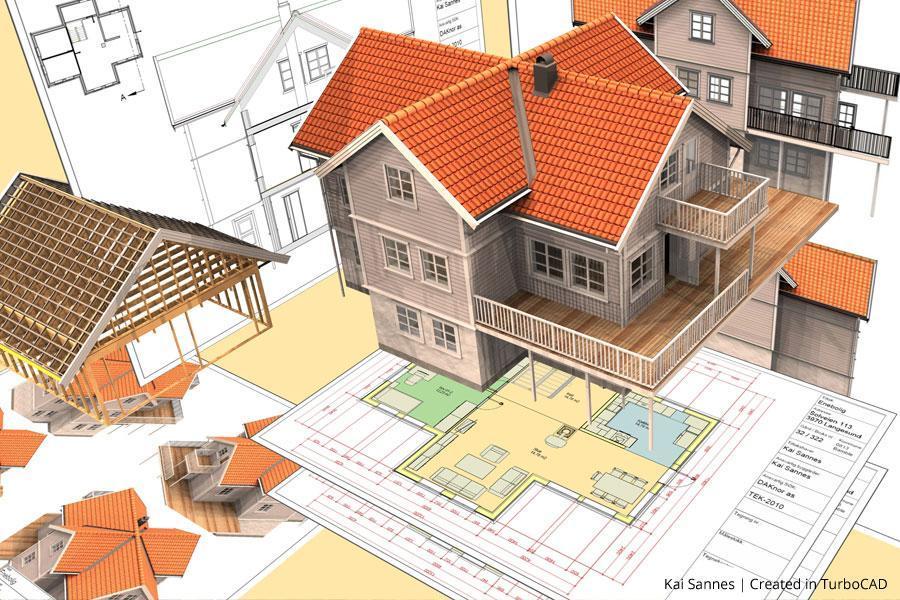
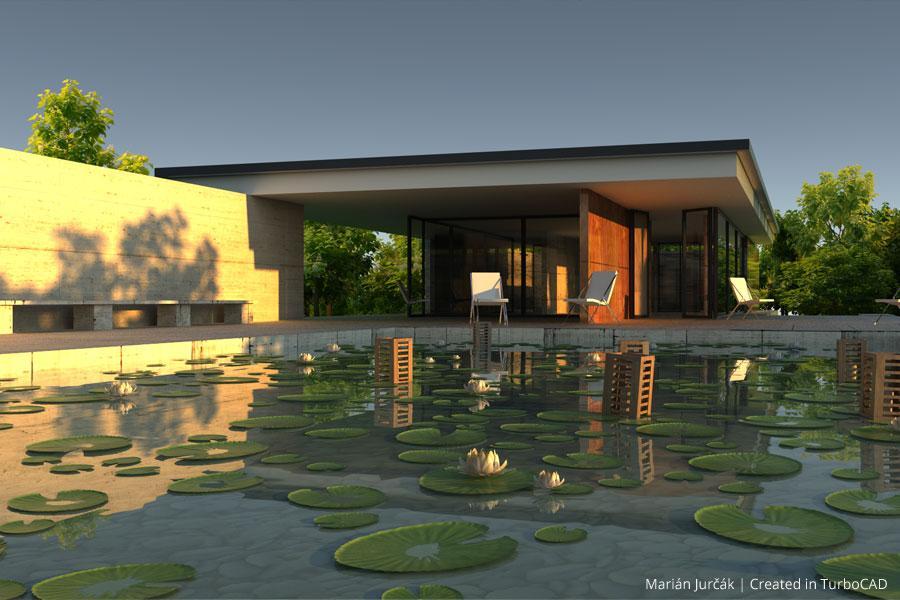
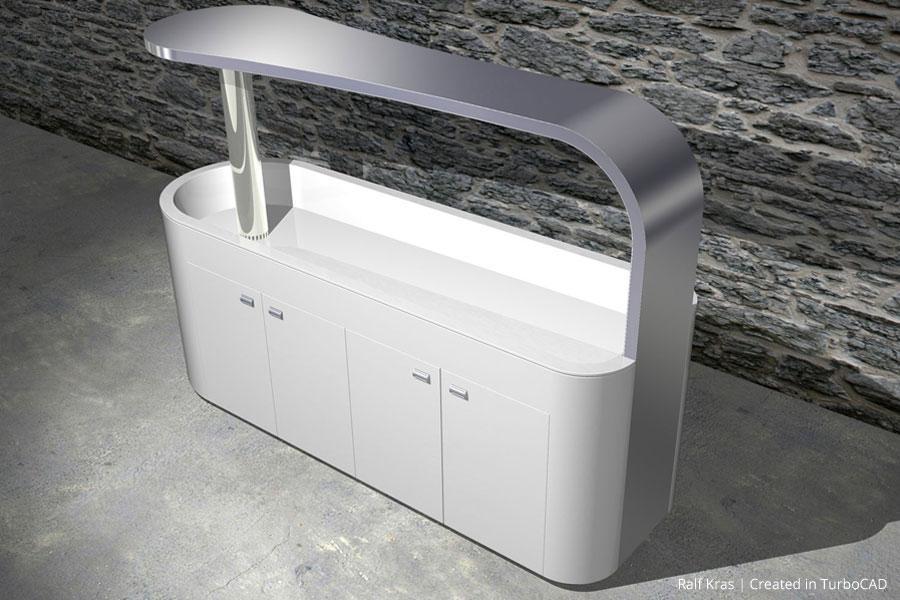
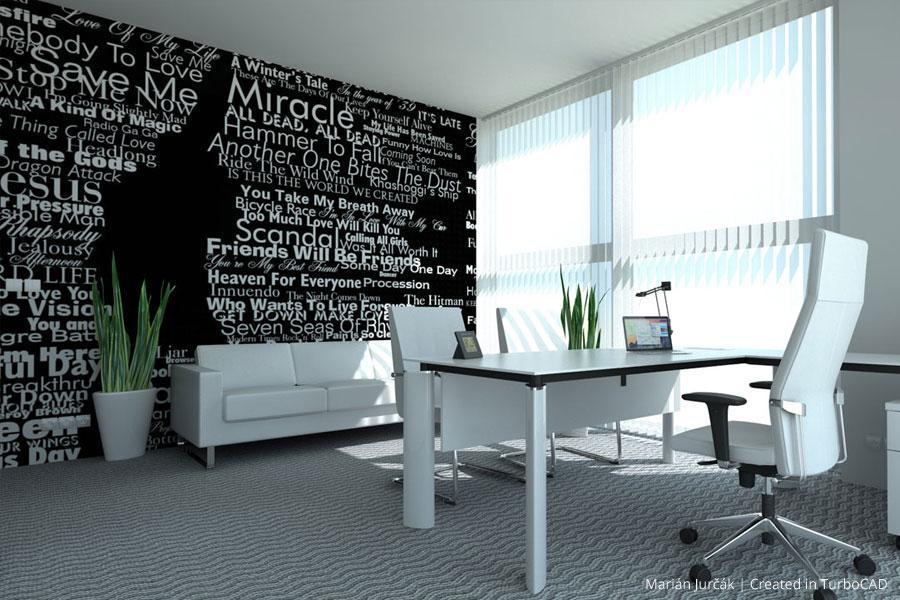
 Image Gallery
 Testimonials
 User Forums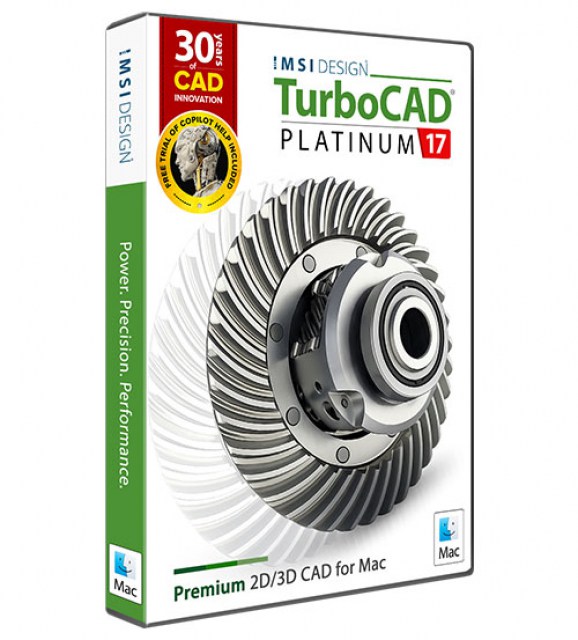
Key Features
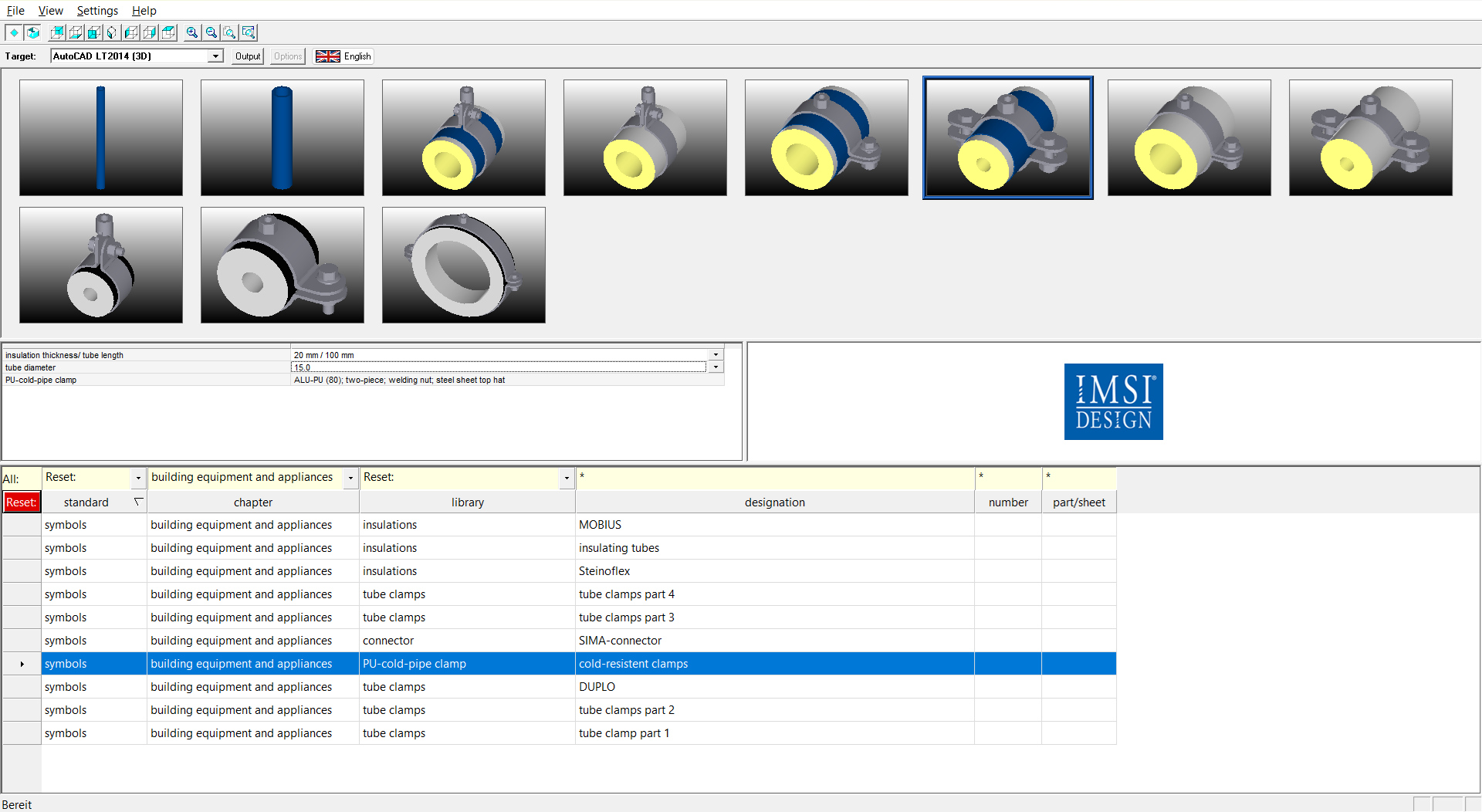
30 Million 2D/3D Parts & Symbols
CADsymbols® increases your productivity with over 30 million standard parts, symbol drawings and models for architectural, mechanical, electronic and electrical drafting and design. This extensive library provides both 2D symbols and freely revolving 3D models, supporting both metric and imperial measurements, making it perfect for professionals who want to download complex symbols directly into their drawings instead of creating them from scratch.
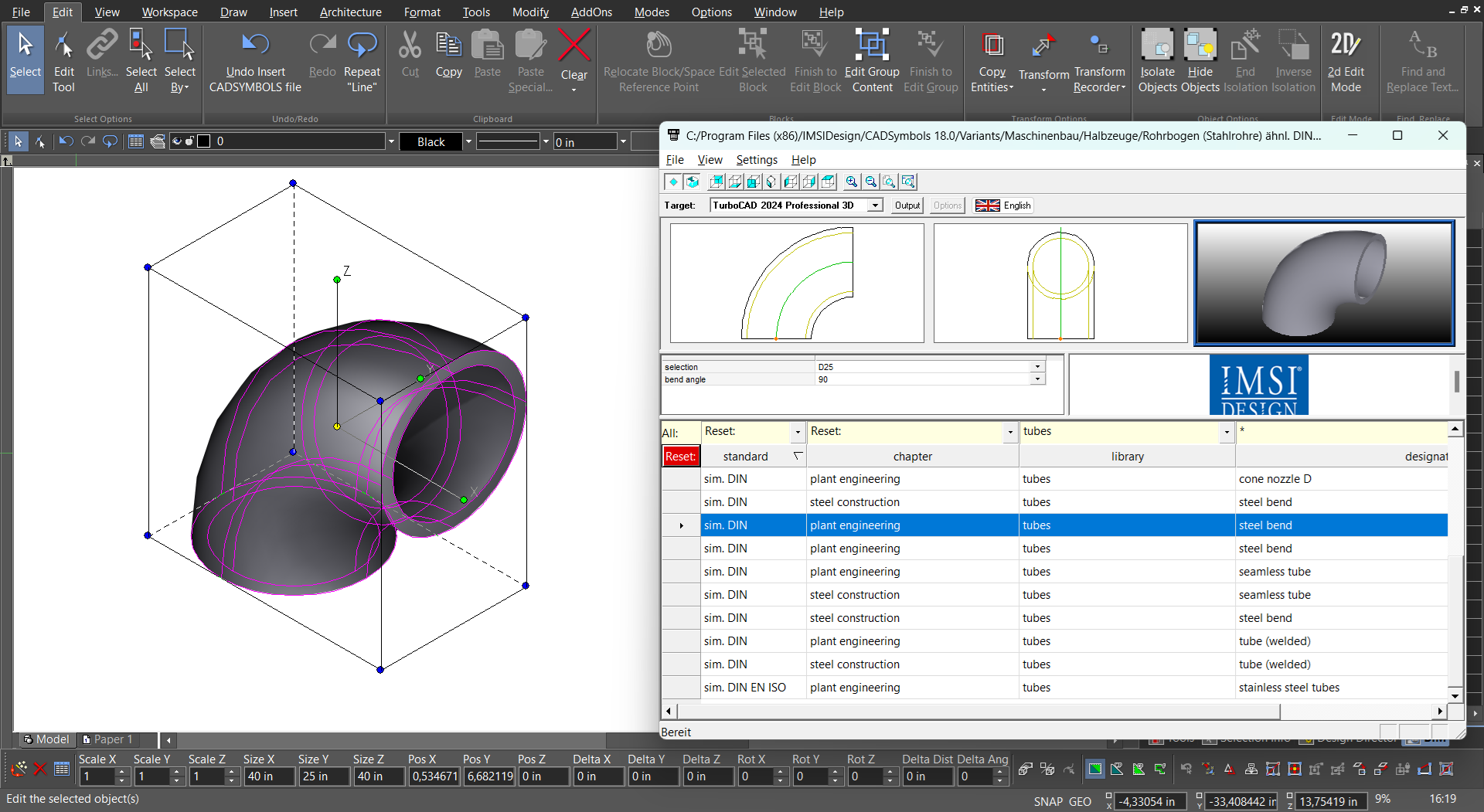
Direct Interface with Popular CAD Applications
CADsymbols® offers direct insertion for Windows (64-bit and 32-bit versions), AutoCAD® (including LT®, Architecture, Mechanical & Architectural Desktop), CATIA®, Inventor®, SolidWorks®, Solid Edge®, IntelliCAD®, ProE® (including Creo Parametric, Wildfire), VectorWorks®, DoubleCAD®, HICAD, MegaCAD, OneSpace Designer, Smart Sketch, and TopSolid. It’s a comprehensive toolset for anyone working across these platforms.
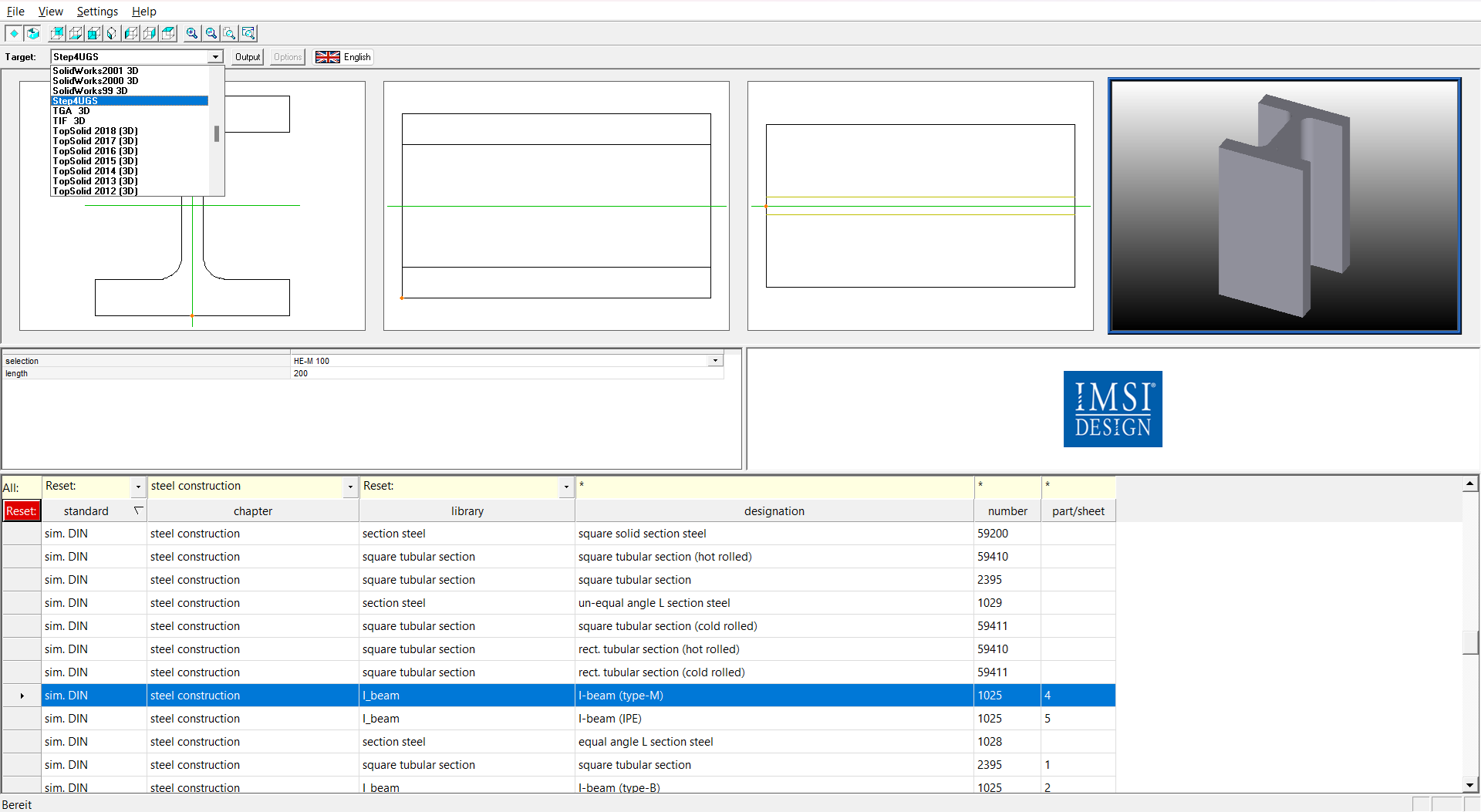
Save Symbols to Popular CAD and Graphic File Formats
For additional flexibility, CADsymbols® allows you to save symbols in various vector and bitmap formats, enabling their import into your drawings. Supported vector formats include DXF, DWG, DWF, SVG, IGS, IGES, SAT, STP, STEP, and TCW, while supported bitmap formats include BMP, JPG, PCX, PLX, PNG, TGA, and TIF. This compatibility ensures integration with multiple CAD and graphic applications.
TurboCAD User Reviews
"TurboCAD performs flawlessly for our needs. It is an indispensable tool for our company."
Al D.
"I have used TurboCAD for quite a few years and it has served me well. New and improved features have kept it up to date while methods of use have remained consistent making an upgrade easy to adjust to."
David M.
"TurboCAD is excellent and affordable. I first used it 20 years ago, and even that version did all I needed."
Kurt Z.
"I have 34 years of CAD experience using the more expensive CAD programs and I use TurboCAD for my business. TurboCAD offers 'new thinking' in CAD, which delivers a productive CAD platform at a reasonable price."
Paul S.
"I've used TurboCAD for countless projects over the years. Some for profit, some not for profit and some for fun. Whether the need has been construction drawings, marketing materials, design work or just creative outlet, TurboCAD has always come through for me."
Brad E.
"I rely on TurboCAD for all my company's drawings; as a result my own productivity is greater than the entire drafting department of my last company."
Roland A.



System Requirements
To install and run CADsymbols, your computer must meet the following requirements:
- Pentium ll Processor or faster
- 128 MB RAM
- Windows 11, 10, 8, 7, or Vista
- 130 MB of free hard disk space
- Super VGA Graphics card and Monitor
Buy Your TurboCAD Product Now
Find the TurboCAD version that best fits your needs
TurboCAD Platinum
$1,49999
- 2D Drawing, Editing & Modifying
- AutoCAD® File Compatibility
- 3D Modeling & Editing
- Photorealistic Rendering
- 3D Printing Support
- Architectural Tools
- Simple BIM via IFC Support
- 2D Drafting Interface Options
- Internal & External Database Connectivity
- Point Cloud & Terrain Data Support
- ACIS® Solid Modeling
- 2D Geo-Dimensional Constraints
- Part Tree/History Tree
TurboCAD Professional
$99999
- 2D Drawing, Editing & Modifying
- AutoCAD® File Compatibility
- 3D Modeling & Editing
- Photorealistic Rendering
- 3D Printing Support
- Architectural Tools
- Simple BIM via IFC Support
- 2D Drafting Interface Options
- Internal & External Database Connectivity
- Point Cloud & Terrain Data Support
- -
- 2D Geo-Dimensional Constraints
- -
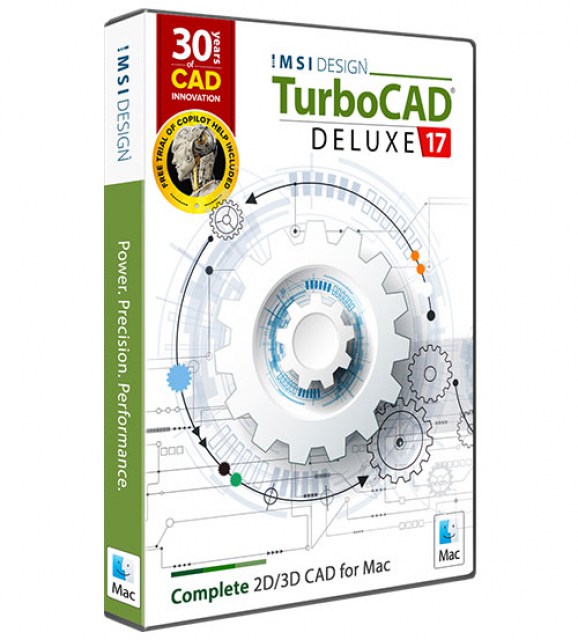
TurboCAD Deluxe
$39999
- 2D Drawing, Editing & Modifying
- AutoCAD® File Compatibility
- 3D Modeling & Editing
- Photorealistic Rendering
- 3D Printing Support
- Architectural Tools
- Simple BIM (Limited)
- -
- -
- -
- -
- -
- -
TurboCAD Designer
$14999
- 2D Drawing, Editing & Modifying
- AutoCAD® File Compatibility
- -
- -
- -
- Architectural Tools (Very Limited)
- -
- -
- -
- -
- -
- -
- -