


TurboCAD Mac Tips, Tutorials and Techniques

Product Info
Time Saving eBook for Beginners and Advanced Users
With over 280 fully illustrated tips, TurboCAD Mac Tips, Tutorials, and Techniques is the go to eBook for quickly answering the most frequently asked questions about TurboCAD Mac. Whether you are new to computer-aided design, or an experienced CAD user, this valuable training provides insights into the program so you can do more in less time.
 Training Guide with 280+ Illustrated Tipsr
Step-by-Step Learning for Drafting & Design
Mastering User Interface Navigation
In-Depth 2D & 3D Modeling Techniques
Photo-Realistic Rendering & Visualization
Comprehensive Data Sharing & Exporting Knowledge
 Testimonials
Key Features

Training Guide with 280+ Illustrated Tips
This guide offers a collection of over 280 fully illustrated tips to help users quickly find answers to frequently asked questions about TurboCAD® Mac. It serves as a go-to resource for both beginners and experienced users, ensuring efficient learning and troubleshooting.
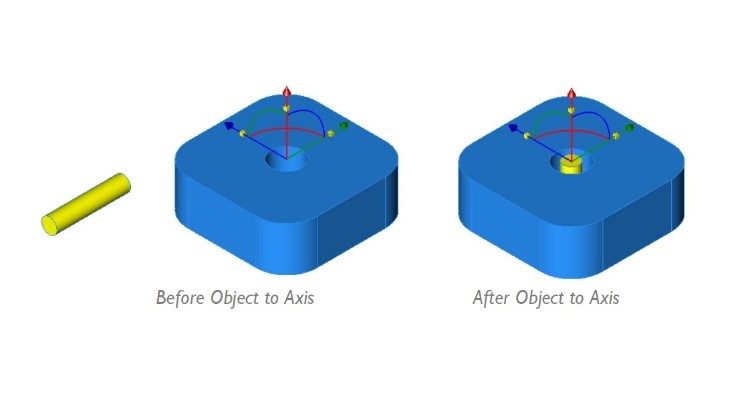
Step-by-Step Learning for Drafting & Design
Structured tutorials provide a fast-track approach to mastering TurboCAD® Mac. Whether you're new to CAD or an advanced user, the guide covers essential techniques to boost productivity and streamline design processes.
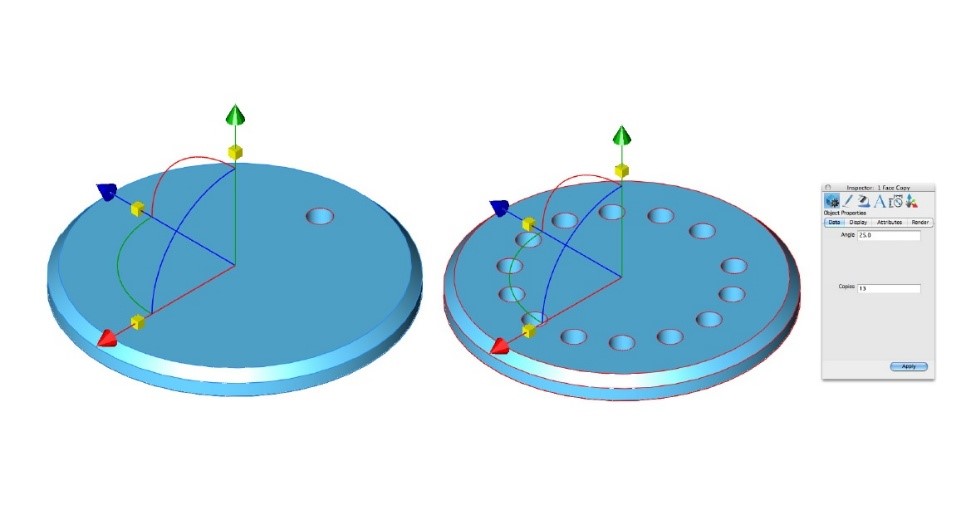
Mastering User Interface Navigation
Learn to navigate TurboCAD® Mac’s interface with ease. Topics include using work planes, snaps, tool palettes, preferences, layers, and the concept explorer. The guide also features a top-10 tips section tailored for new users.
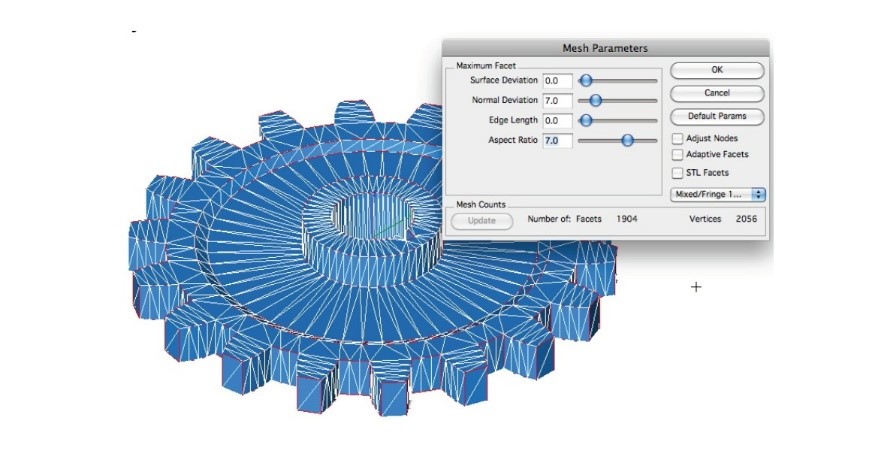
In-Depth 2D & 3D Modeling Techniques
Explore fundamental and advanced drafting tools to create and modify 2D objects, build solid models, and apply surface modeling techniques. The guide provides practical insights into making precise, professional-quality designs.
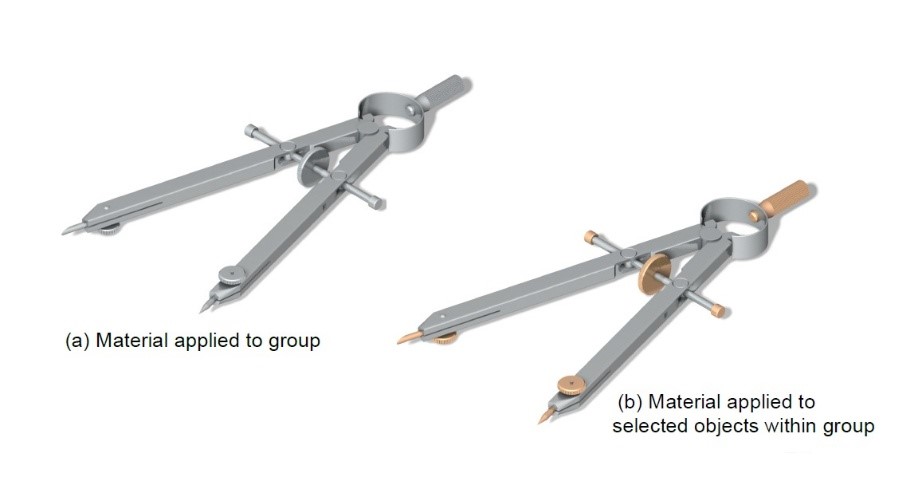
Photo-Realistic Rendering & Visualization
Gain expertise in rendering techniques, including shading, texture mapping, and lighting effects. Learn how to create detailed, high-quality visualizations to enhance design presentations.
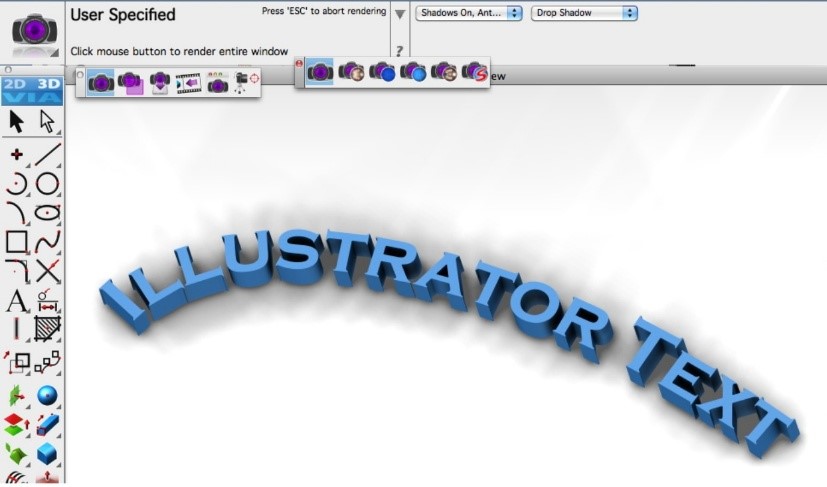
Comprehensive Data Sharing & Exporting Knowledge
Understand how to seamlessly share and export designs in various formats. The guide covers surface and solid model data exchange, file extensions, and best practices for integrating TurboCAD® Mac projects with other software.
System Requirements
Windows
Windows® XP, Windows Vista®, Windows® 7, Windows® 8, Windows® 10, or Windows® 11, 30 MB Free Hard Drive Space, Internet Connection required¹, PDF Reader software required², Keyboard, and Mouse
Macintosh
Macintosh® OS X 10.7 or higher, 30 MB Free Hard Drive Space, Internet connection required¹, PDF Reader software required², Keyboard, and Mouse.
Mobile
Apple® iOS Phone and Tablet Devices, Android™ Phone and Tablet Devices, and Windows® Phone and Tablet Devices with 30 MB of available storage space and PDF Reader support.
¹ User is responsible for all Internet access fees and phone charges.
² Supports most common PDF reader software.