


TurboCAD 2026 Platinum

Product Info
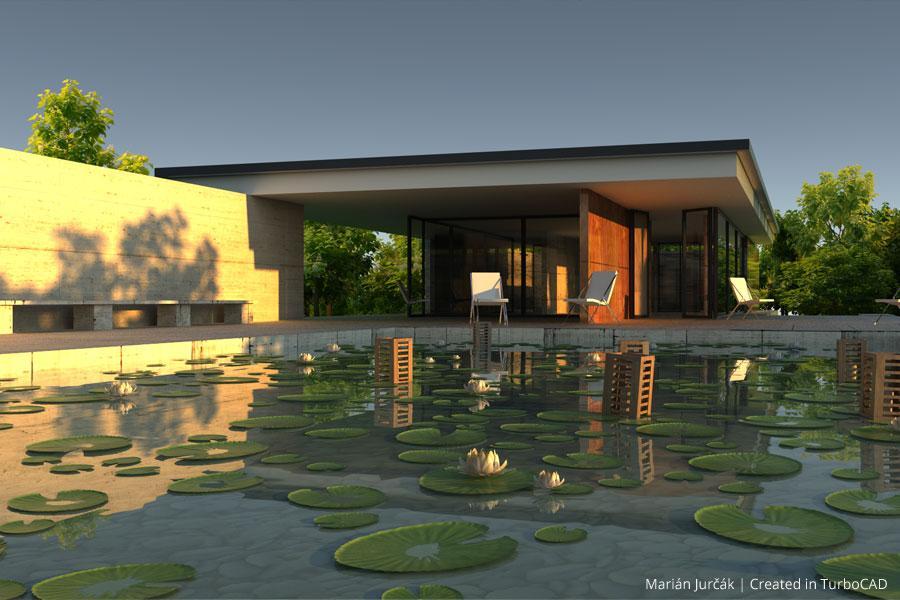
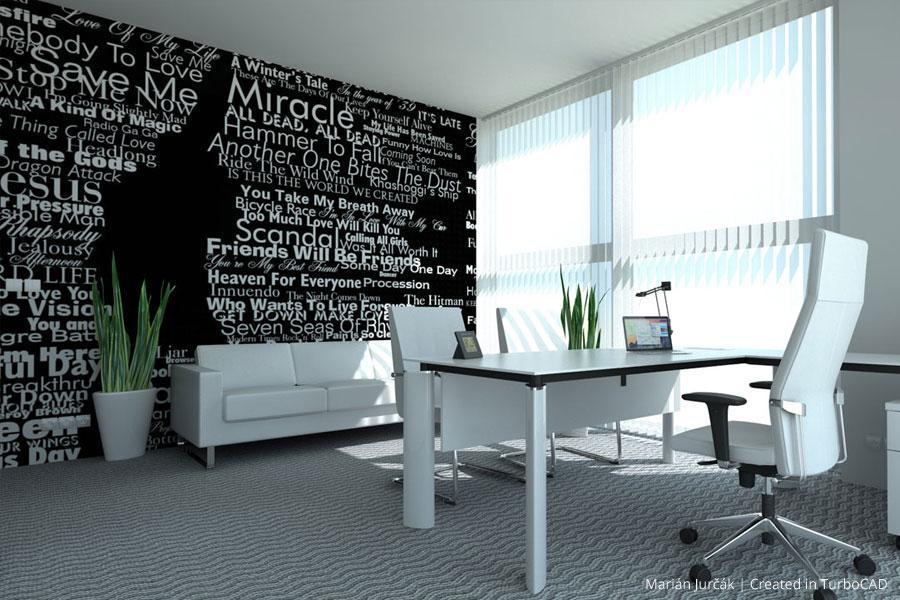
TurboCAD® Platinum is a professional CAD solution for 2D drafting and 3D solid modeling, designed for engineers, architects, manufacturers, and design professionals. It features a powerful drafting palette, ACIS® solid modeling, premium photorealistic rendering, advanced architectural and mechanical tool sets, an AutoCAD®-like drafting interface, and extensive file support.
Note: Multilingual Version (English, French, German). The installer includes additional languages, but some localizations are still in progress and may not function fully.
 Intuitive UI & Superior Performance
Advanced 3D Surface and Solid Modeling
Sophisticated Part Tree Management
Broad Interoperability & File Support
Integrated Architectural & GIS Tools
Precise 2D Geometric and Dimensional Constraints
Dynamic Drafting Palette
 Brand Comparison
 Free Trial
 Image Gallery
 Testimonials
 User Forums

Key Features
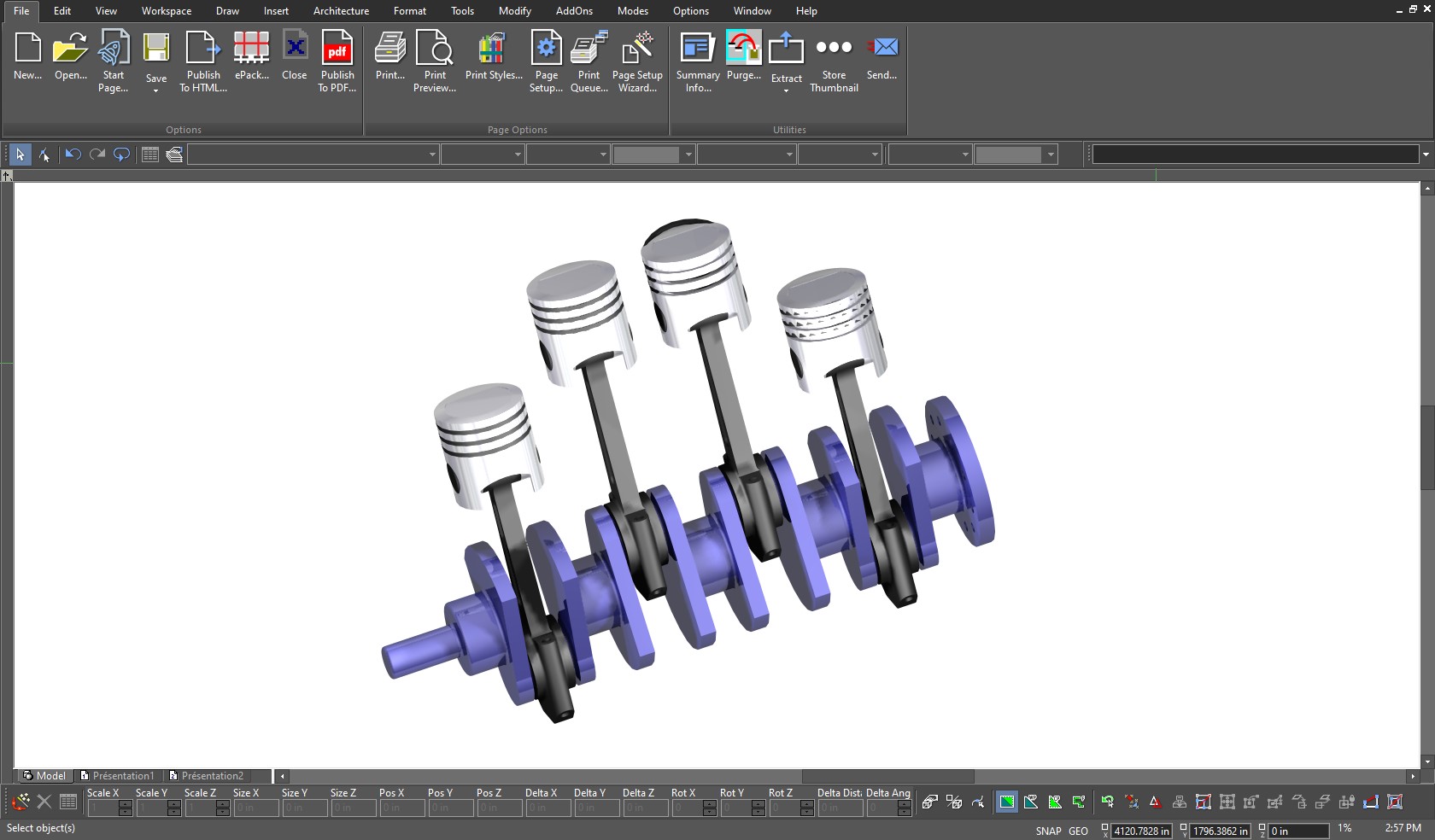
ACIS®-Based Solid Modeling
TurboCAD® Platinum harnesses the robust ACIS® solid modeling engine to breathe life into your designs. Create realistic models where each object possesses genuine volume and shape, built upon a structured framework, wrapped in a precision skin of surfaces, and defined by an inner core.
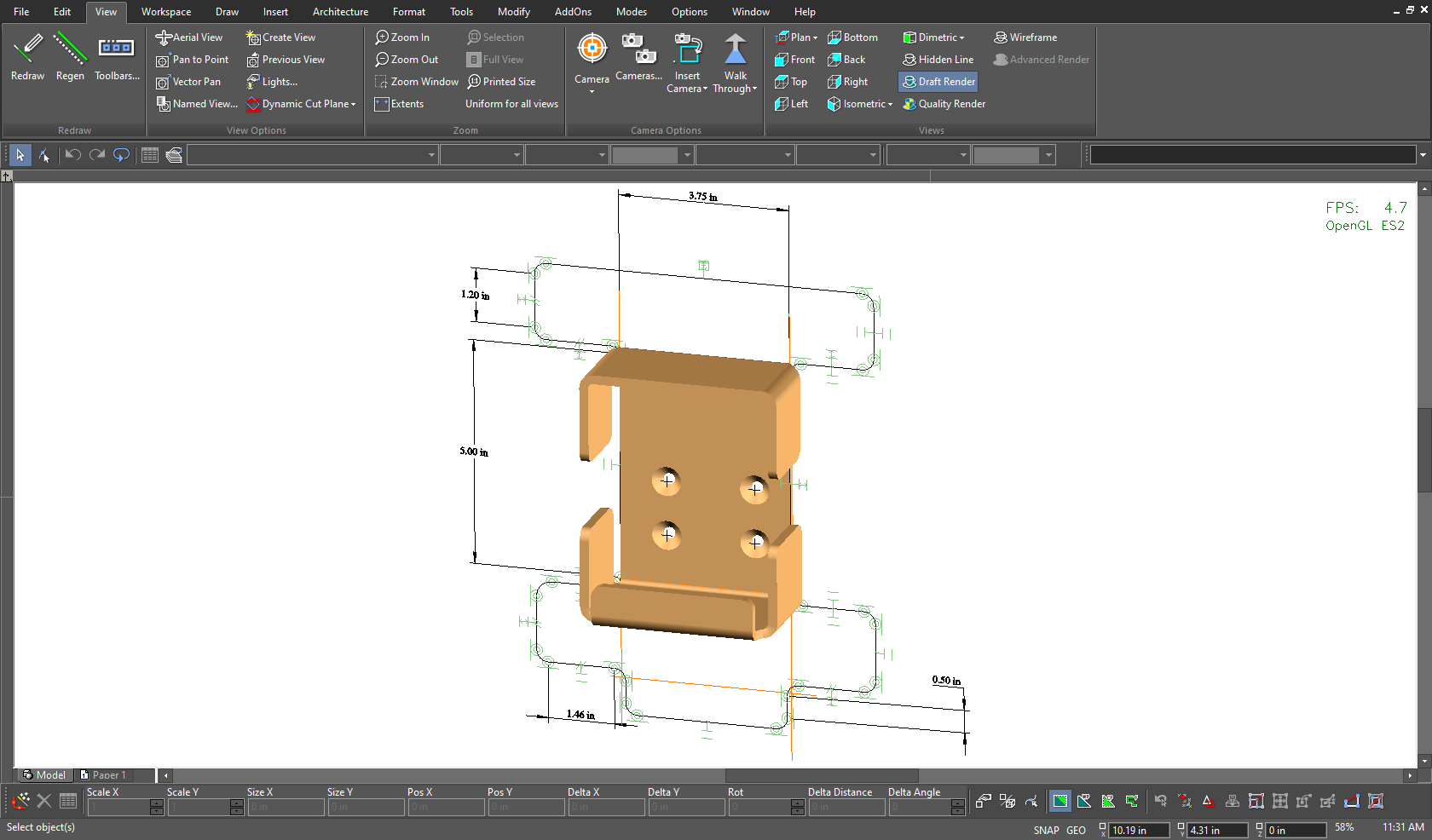
Geometric & Dimensional Constraints
Utilize Smart Dimension tools—including parallel, orthogonal, rotated, and Auto Dimension options—to display accurate line and angle measurements in both Imperial and metric units.
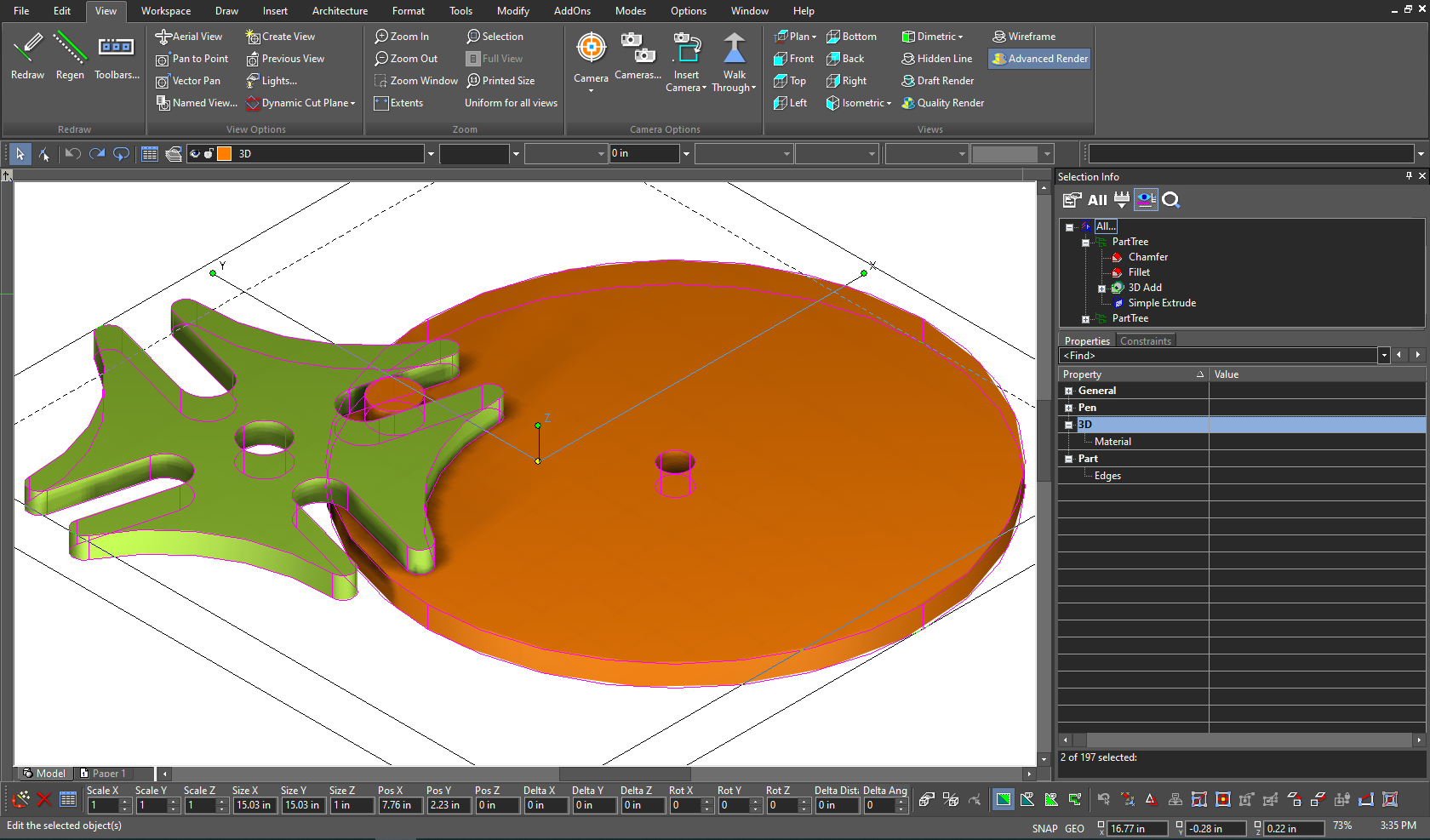
Part Tree/History Tree
Track and refine modifications on individual objects, groups, and blocks with the Part Tree/History Tree. This intuitive tool records every change, enabling you to review and adjust your design evolution with ease.
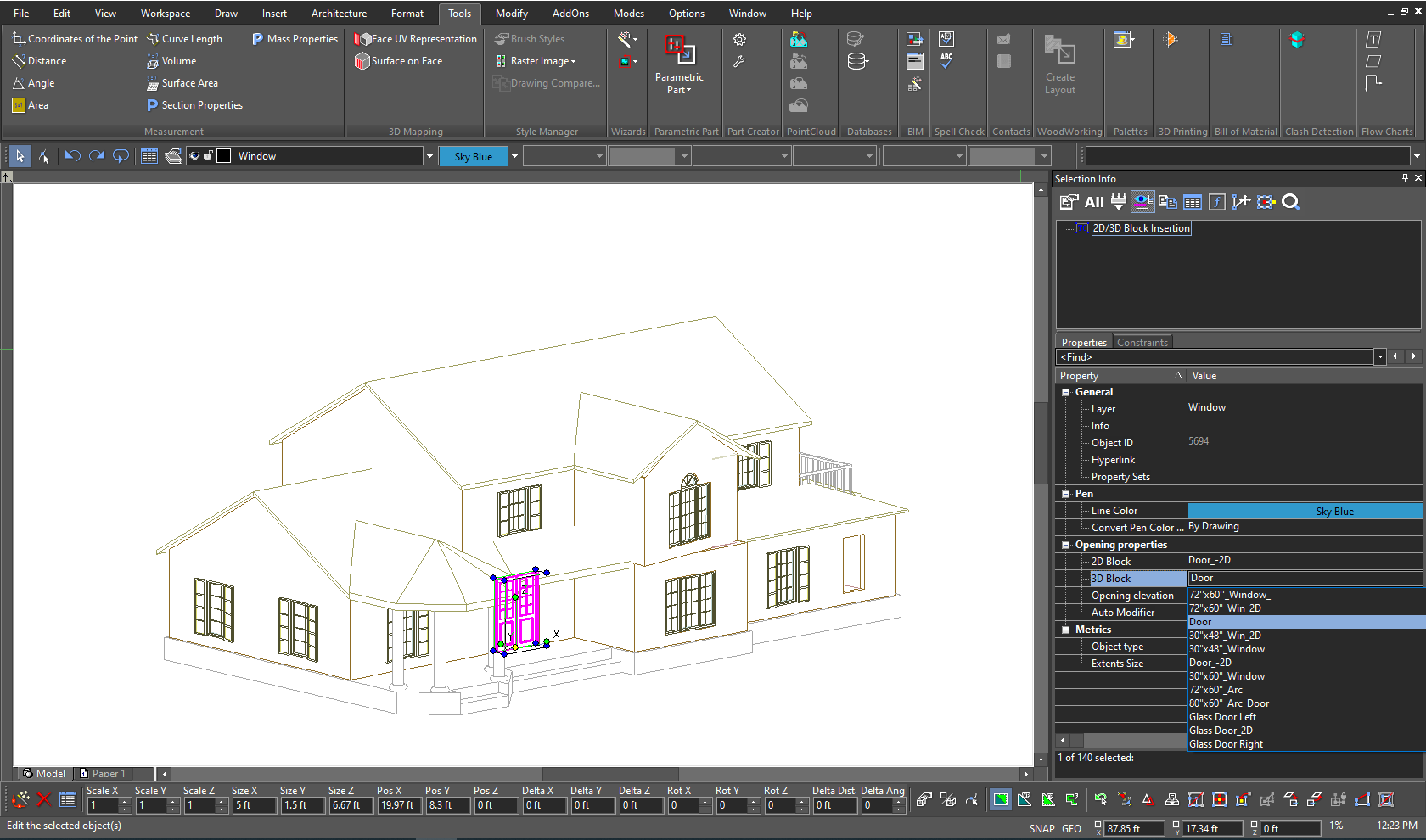
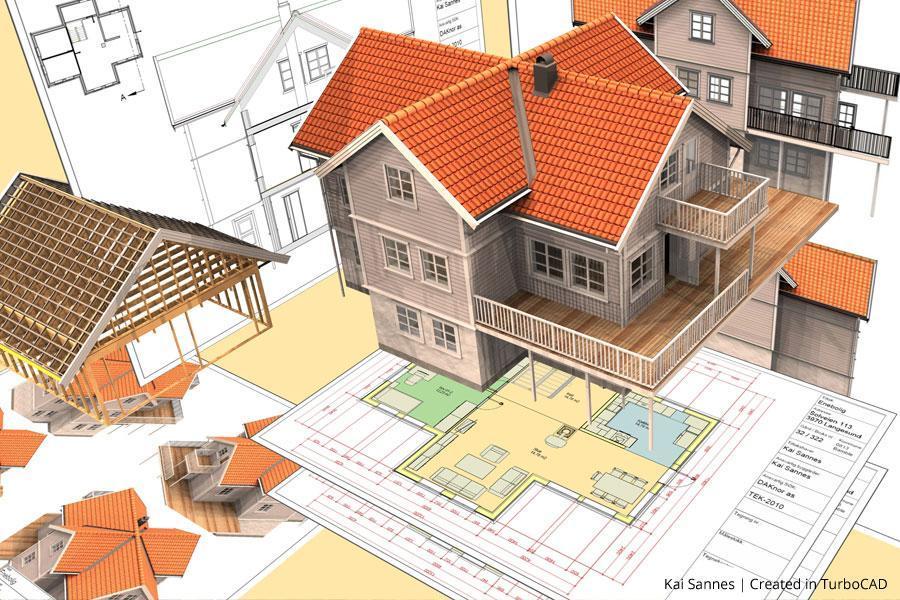
Intelligent (Parametric) Architectural Objects
Configure smart architectural objects by selecting them and easily modifying their parameters. This intuitive approach allows you to update dimensions and specifications on the fly, ensuring that your design stays flexible and precise.
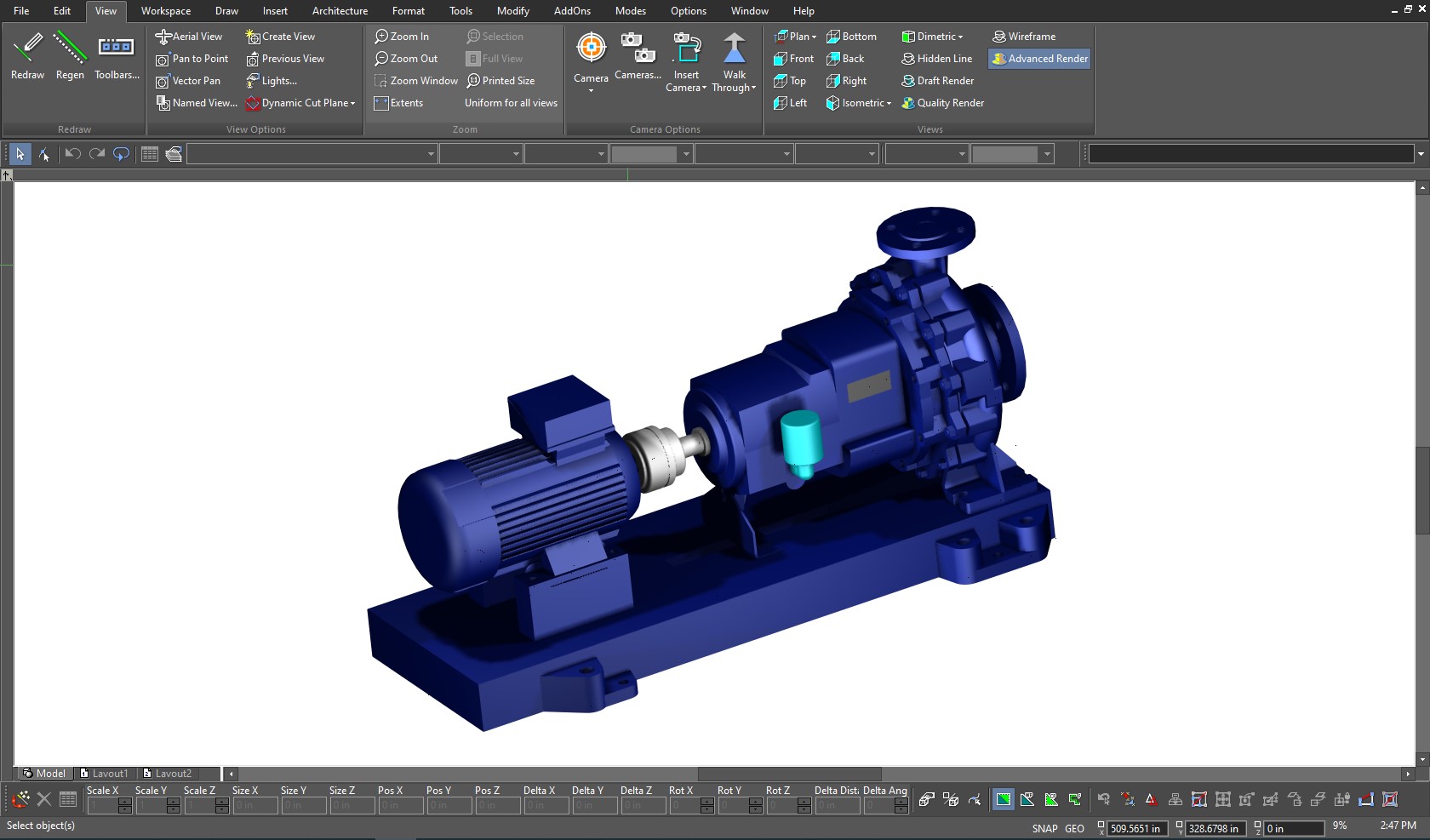
Advanced Mechanical Design Tools
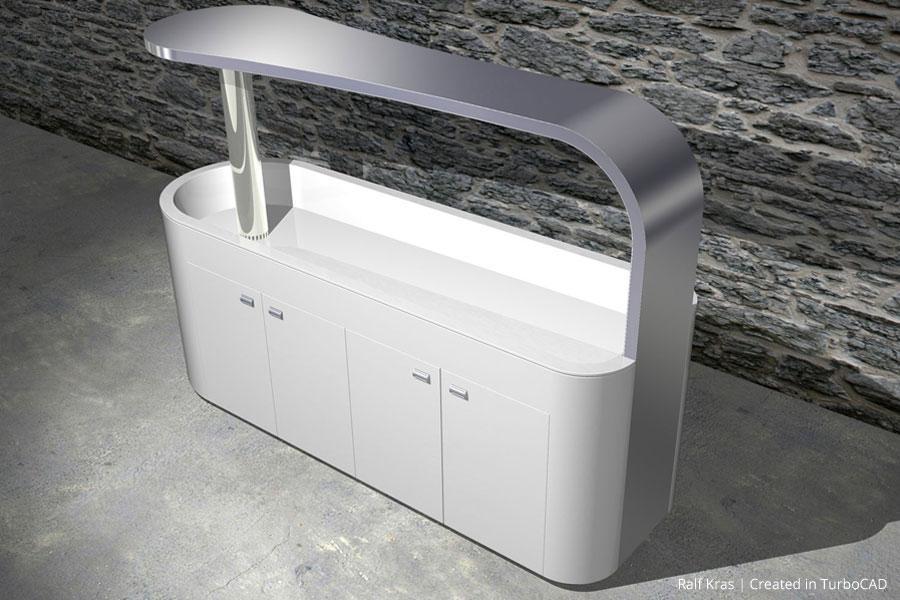
TurboCAD® Platinum delivers a complete 3D design suite that unites precise drawing, surface modeling, and advanced ACIS® solid modeling. Its Mechanical Toolset equips you with essential features—such as Thread, Twisted Extrude, Extrude to Face, and Parametric Holes—as well as powerful modification tools like Bend, Unbend, law-based operations, and Smooth Surface Mesh/Sub-D modeling for full control over engineered and organic forms.
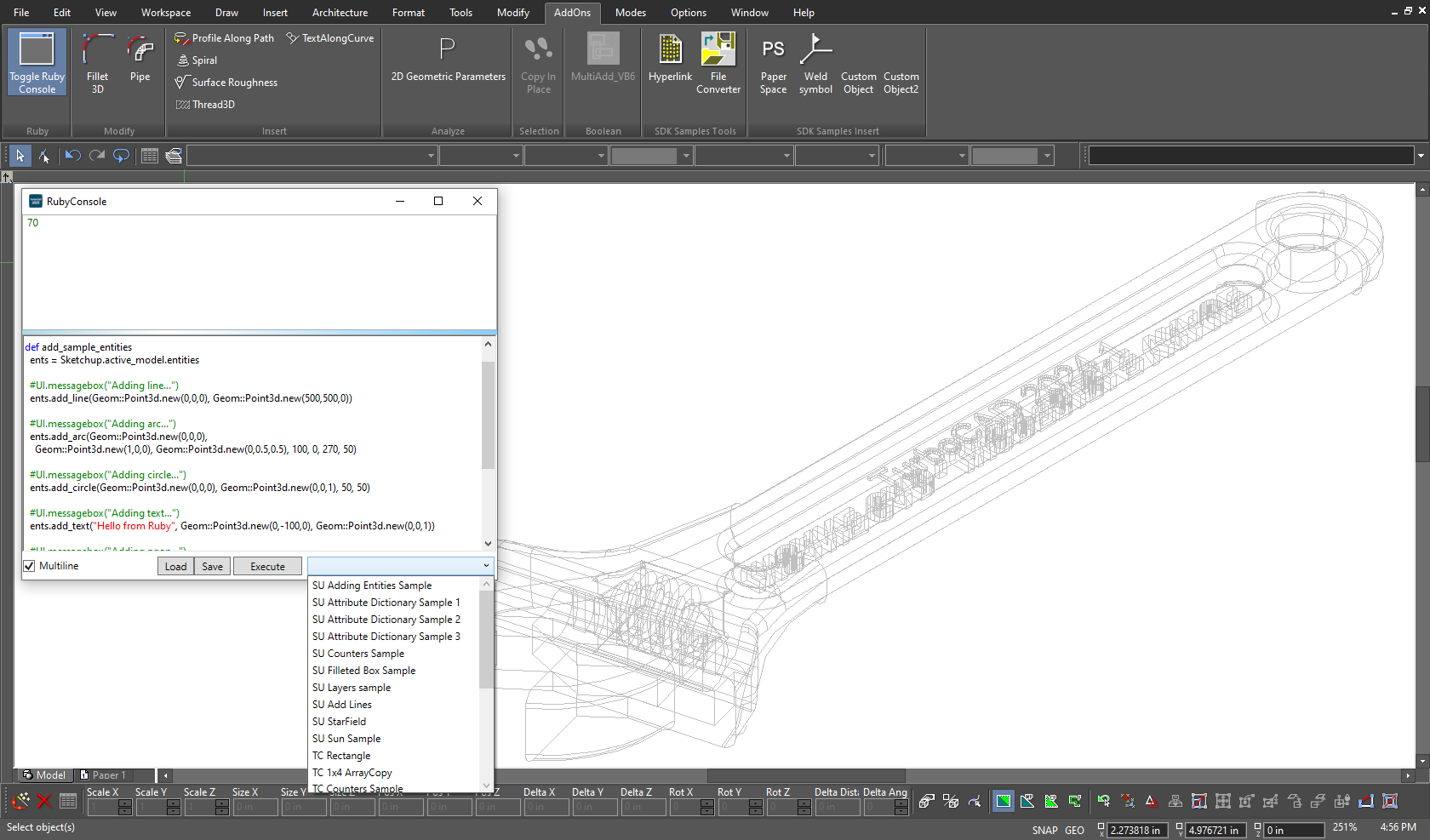
Programmable SDK & Ruby Scripting
TurboCAD® Platinum extends its capabilities with Ruby scripting and an SDK. Ruby—compatible with SketchUp Ruby Scripts—lets you create plug-ins to add tools, automate multi-step operations, and enhance both mechanical and architectural designs through the Ruby Scripting Console. The SDK further supports the development of new functions and specialized tools, backed by documentation, samples, and .NET support for commercial or custom applications.
New Features
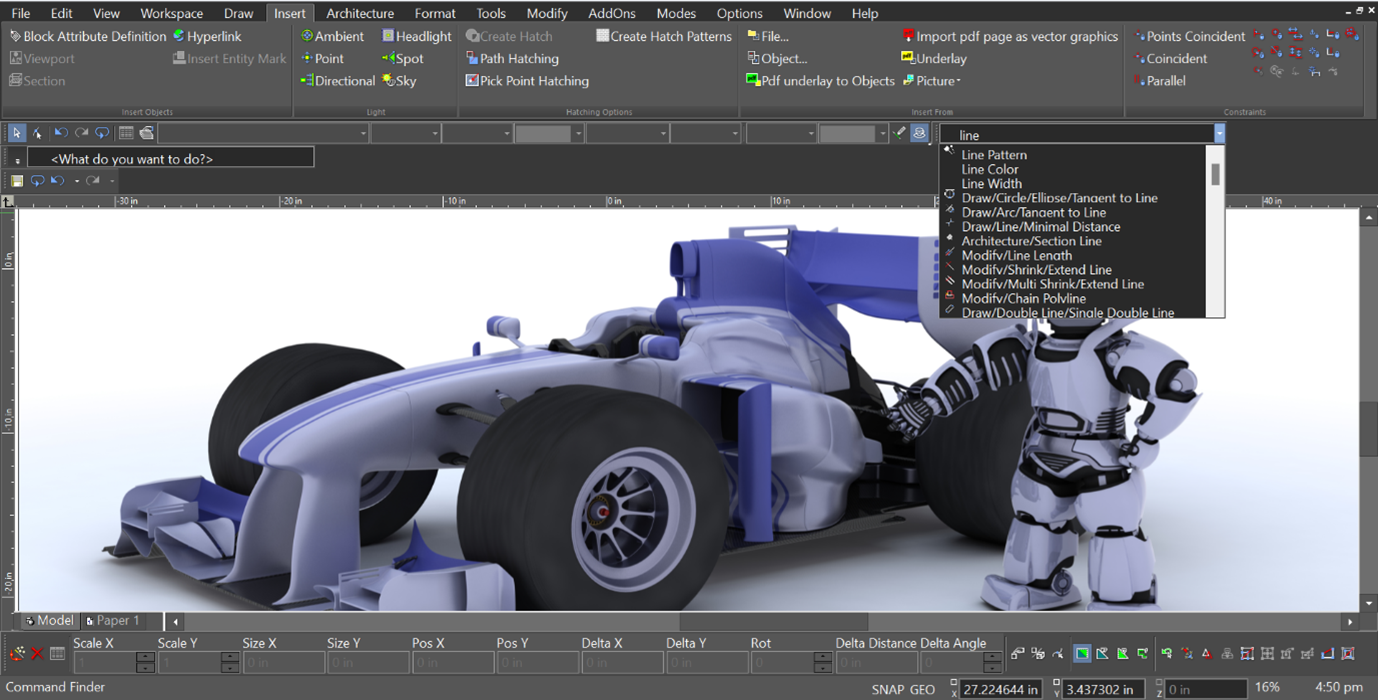
A Faster Way to Find What You Need
Command Finder helps you stay fast and precise by showing the right tools as soon as you begin typing, with clear visual icons that make each command instantly recognizable. Even large or complex toolsets become easy to navigate, so you spend less time searching and more time moving your project forward.
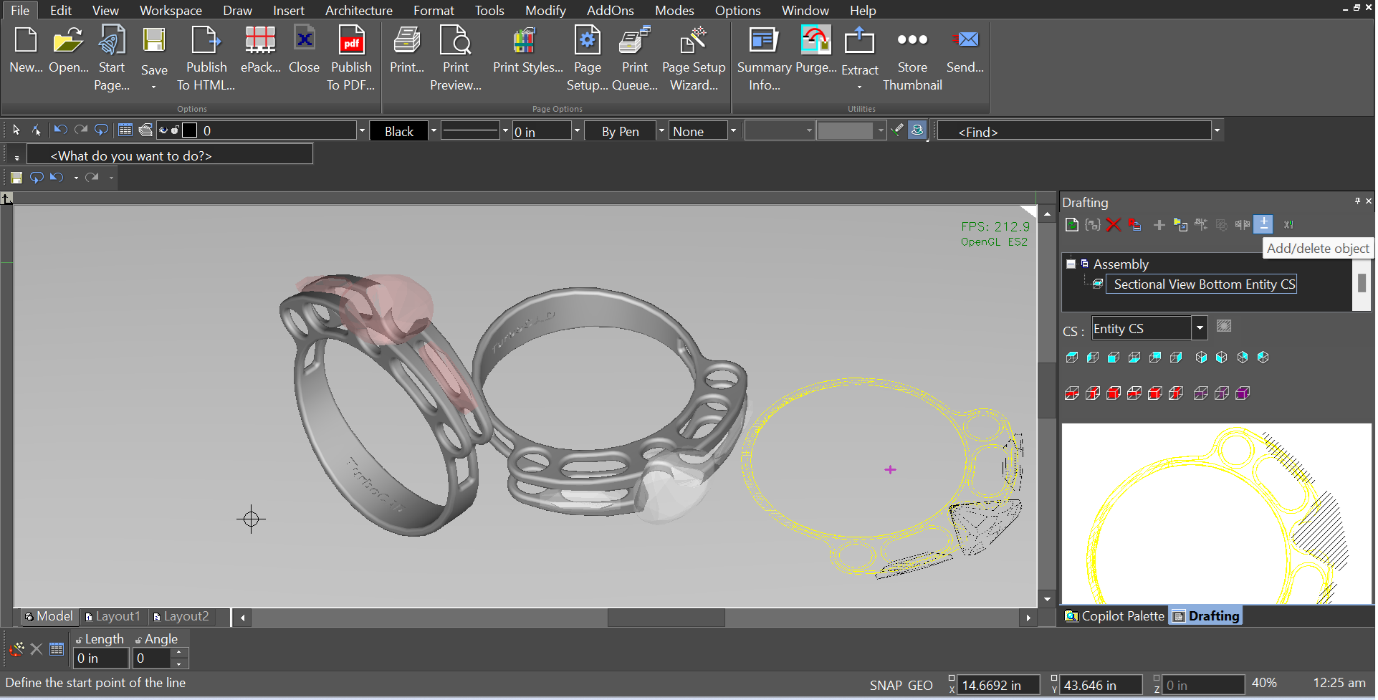
Views That Evolve With Your Ideas
The Drafting Palette gives you a smoother, more flexible way to manage drawing views, keeping your workflow uninterrupted even as projects shift and develop. You can add or remove objects on the fly as your model evolves, with dimensions, callouts, and layout details staying exactly where they belong so drawings remain clean and production‑ready. When deeper exploration is needed, you can jump directly to the associated 3D geometry for fast refinement. Because drafting views stay connected to the evolving model—from early concepts to final details—your drawings always reflect your latest thinking without extra steps or rework.
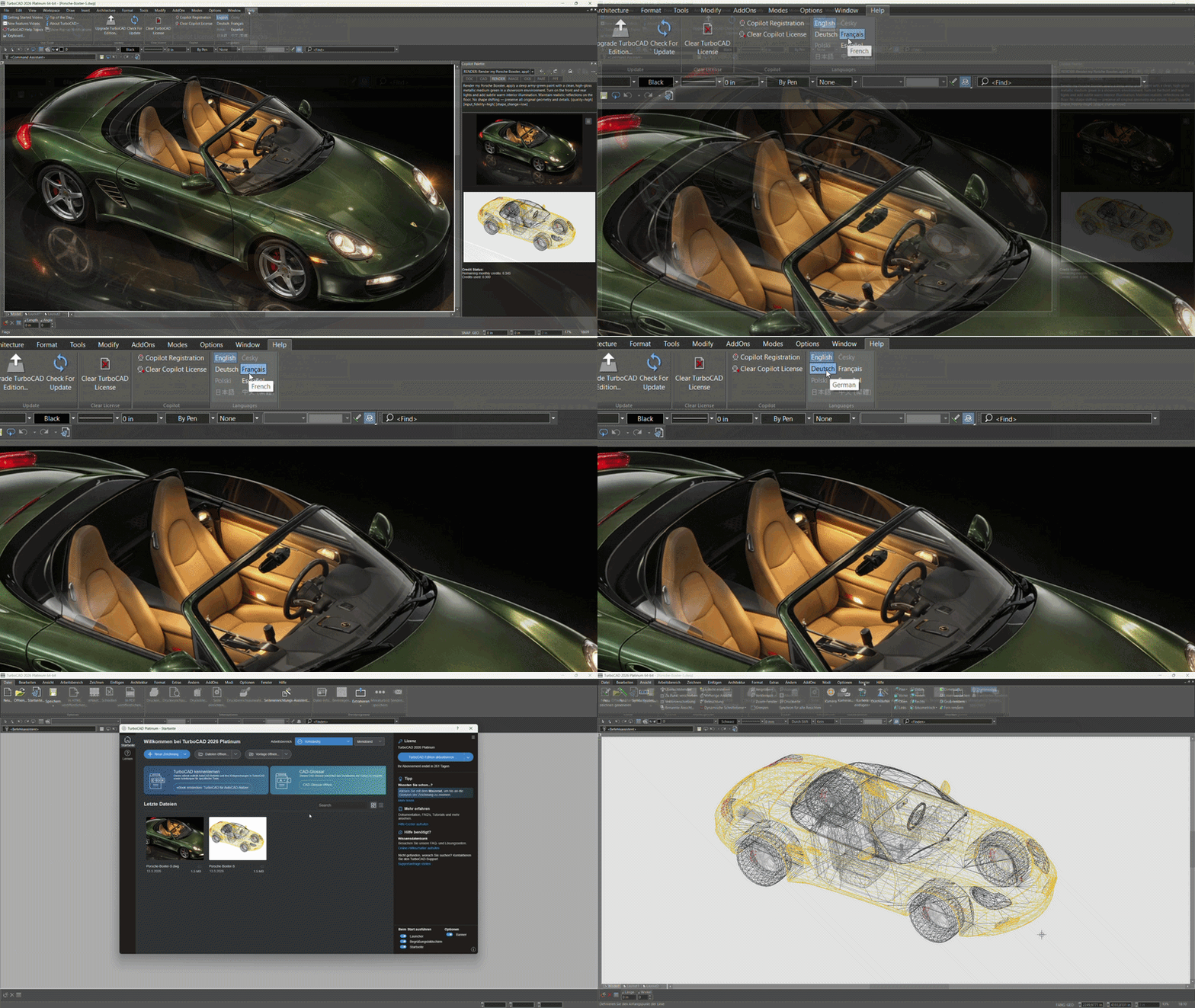
Unified Multi-Language Installer
TurboCAD uses a single installer that includes all supported languages in one package. During setup, users simply choose their preferred interface language, and TurboCAD installs with that selection applied. All languages are already part of the installer, so users can switch between them at any time directly within TurboCAD without reinstalling. This eliminates the need for separate installers, simplifies distribution, and makes it easy to expand language support in the future. The Unified Multi‑Language Installer delivers a consistent setup experience with built‑in language selection.
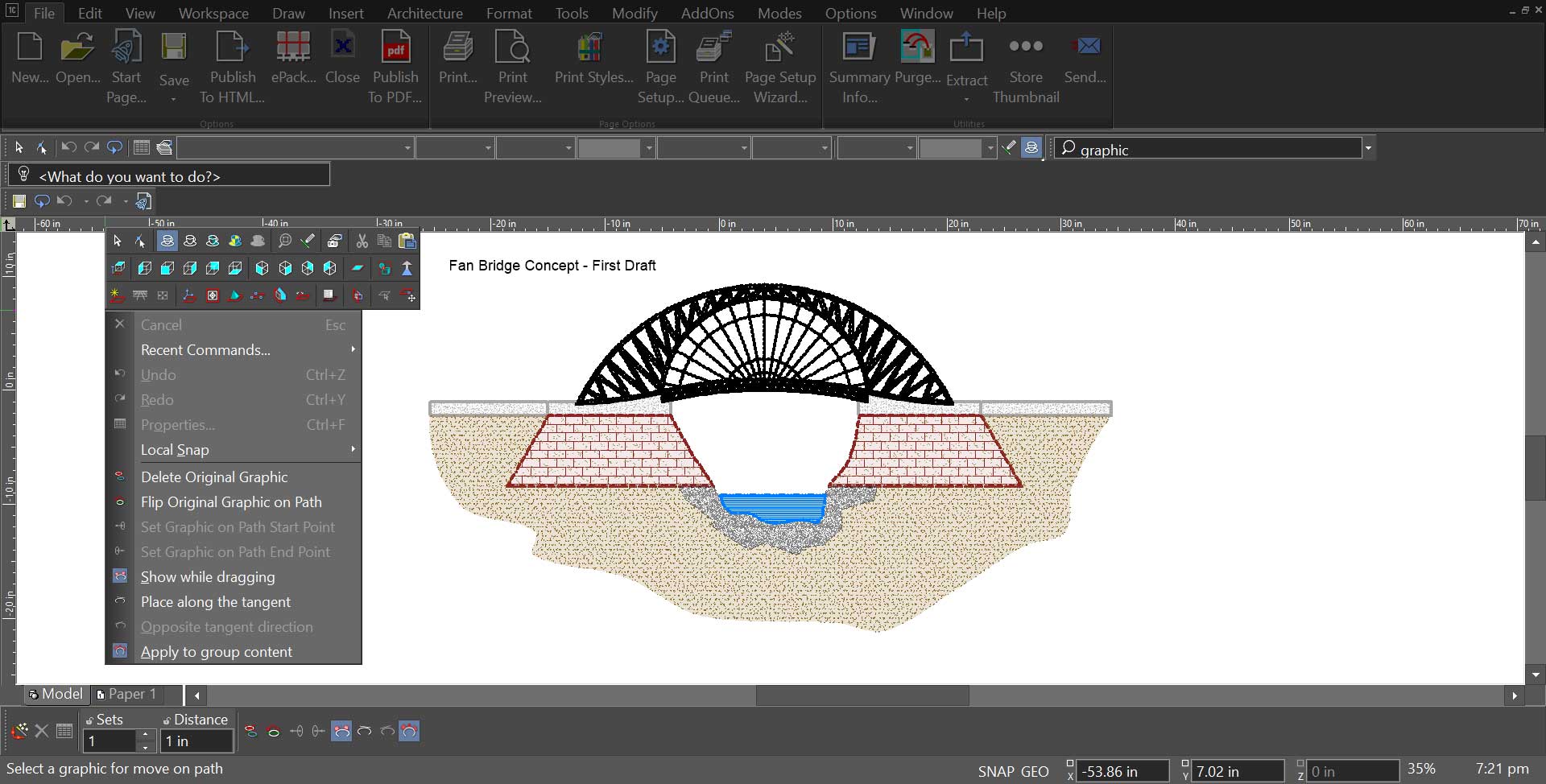
Graphic on Path
Graphic on Path provides an intuitive way to position and shape objects along complex curves, making it easy to create flowing layouts, decorative patterns, technical diagrams, and signage elements with precise control. As objects move along a selected path, they automatically align to the curve’s tangent for smooth, accurate placement, with options to flip orientation, adjust rotation, and explore variations without interrupting the workflow. Local menu controls such as interactive previews while dragging, tangent‑based alignment, instant direction reversal, and support for grouped content offer additional flexibility, while refined rotation tools help achieve clean, polished results even in complex curved arrangements.
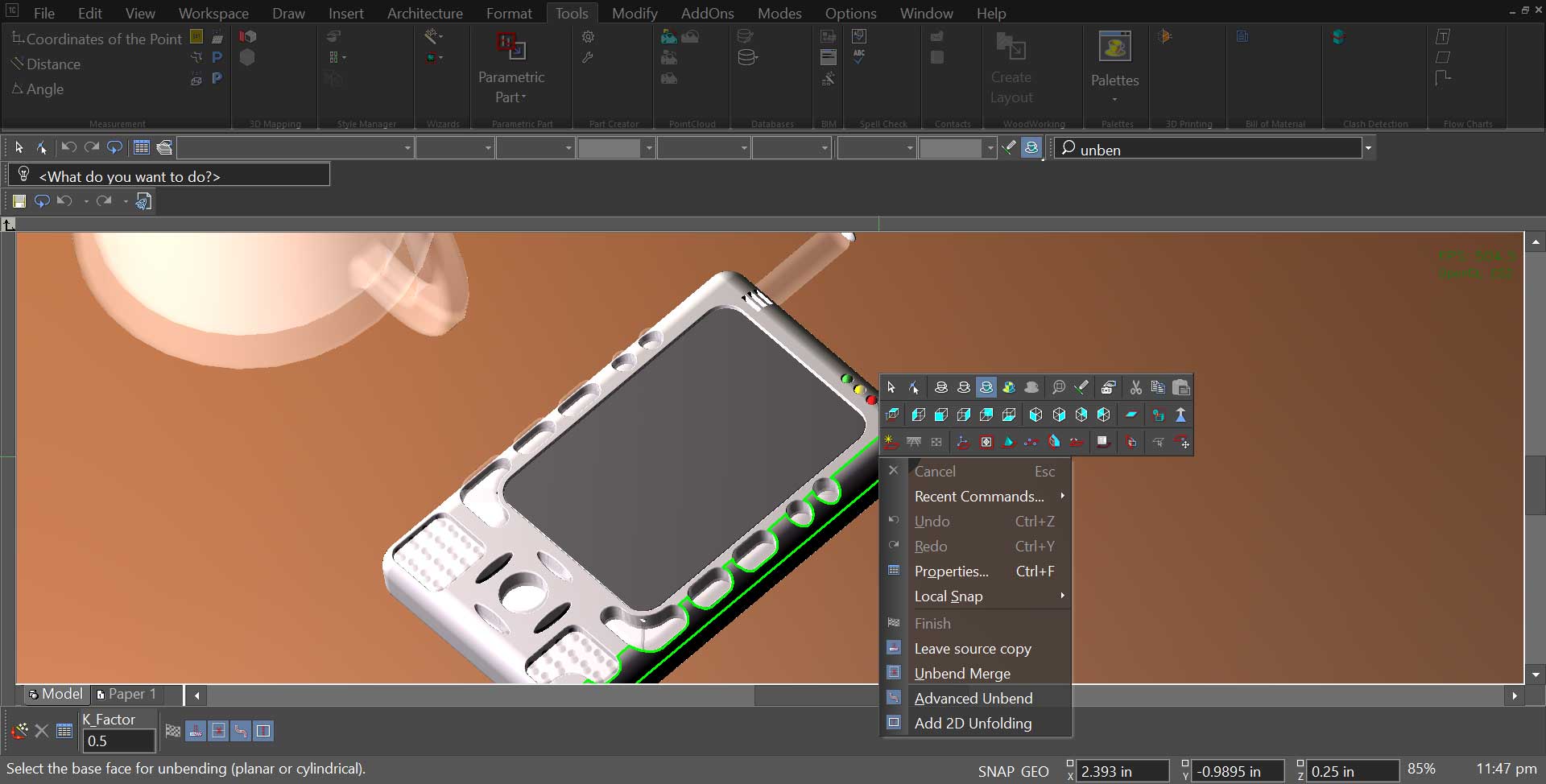
Direct 2D Unfolding for Sheet Metal
Direct 2D Unfolding provides a fabrication‑ready way to convert folded sheet‑metal models into precise 2D layouts that reflect real production needs. Using the Add 2D Unfolding option, designers can generate true flat patterns directly from the 3D geometry, complete with bend lines and the dimensional detail required for manufacturing and quoting. By removing intermediate drafting steps, the feature makes it easier to produce shop‑ready drawings and adjust designs as requirements evolve. It preserves bend information, maintains dimensional clarity, supports export to DWG or DXF for cutting workflows, and reduces repetitive preparation work. Direct 2D Unfolding helps engineers and fabricators move from concept to production efficiently while keeping design intent consistent across revisions.
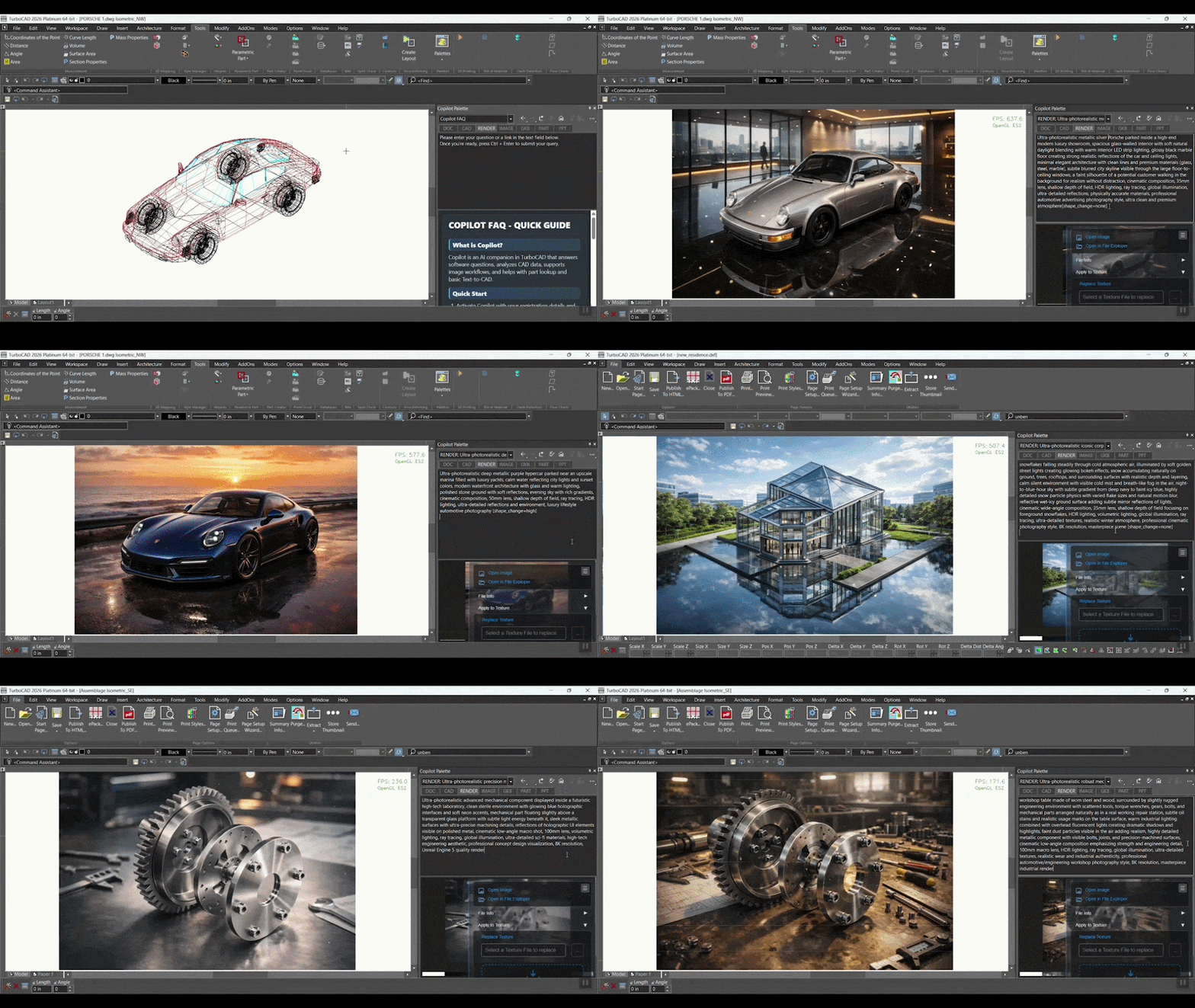
Copilot Render
Copilot Professional Plug‑In required
Copilot Render transforms CAD drawings into expressive visual concepts using simple natural‑language prompts. By describing the desired style, lighting, or environment, designers can generate concept renderings that appear directly on top of the existing drawing without altering the underlying geometry. Each rendered image is displayed inside the active drawing view, making it easy to explore ideas while continuing to work in the CAD environment, and multiple variations can be created and compared to experiment with materials, lighting moods, and different architectural or mechanical styles. Every render is saved through Copilot Named Views, allowing designers to revisit earlier concepts or switch between visual directions at any time, creating a flexible workflow where conceptual imagery and technical geometry stay connected within the same TurboCAD project.
TurboCAD Pro Platinum Reviews
"I have used a number of other CAD programs and I believe TurboCAD's dwg translation is much better than average. I have even seen situations where TurboCAD salvaged drawings unopenable in AutoCAD (that were not created in TurboCAD."
Joseph M.
"Price-wise, TurboCAD is much more attractive than other engineering 3D software. It can do all the things that AutoCAD and Solidworks could do, but at a far more friendly price."
Ralf K.
"This is more than a program, it is a powerful tool. Very simple, clean interface, with all the tools and capabilities you could want. As a woodworker, the cut-lists can come in very handy on pieces requiring a large number of parts of various sizes."
James R.
"I have found the tools in TurboCAD to be adaptable to a broad range of tasks. I have done everything from machine parts to earth retaining structures with it. The interface has a much easier learning curve than other products. The input output features makes sharing drawings very easy."
Neil H.
"I have 34 years of CAD experience using the more expensive CAD programs and I use TurboCAD for my business. TurboCAD offers "new thinking" in CAD, which delivers a productive CAD platform at a reasonable price."
Paul S.
"I just love how TurboCAD is an all-purpose CAD application. That means that I can meet the needs of most of my clients using this single product. This includes mechanical designs for manufacture, furniture design and assembly instructions and even retail outlet store renders (interior and exterior)."
Don C.
"Many CAD programs are much too expensive or require a subscription, and prices tend to go way up to get a version that you can actually use for designing homes. For once, I feel like I made the right decision the first time"
Kevin M.
"I've been an AutoCAD user for 30 years. I recently switched to TurboCAD Pro Platinum 2017 and I found it very easy to transition. It has all the power of AutoCAD and does everything I need to do in my work as a designer. Thanks to IMSI for making available an affordable and productive tool for engineers, architects and CAD operators. This software is nothing less than fabulous at a price most can afford."
Bernd V.
"TurboCAD’s functionality is comparable to CAD software selling – or renting – for much more money. It provides all the features I need, and then some."
Jeff L.


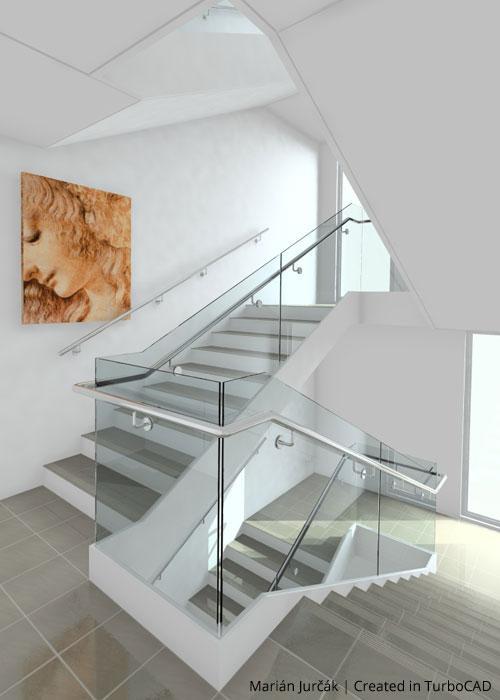
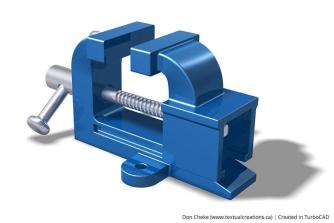
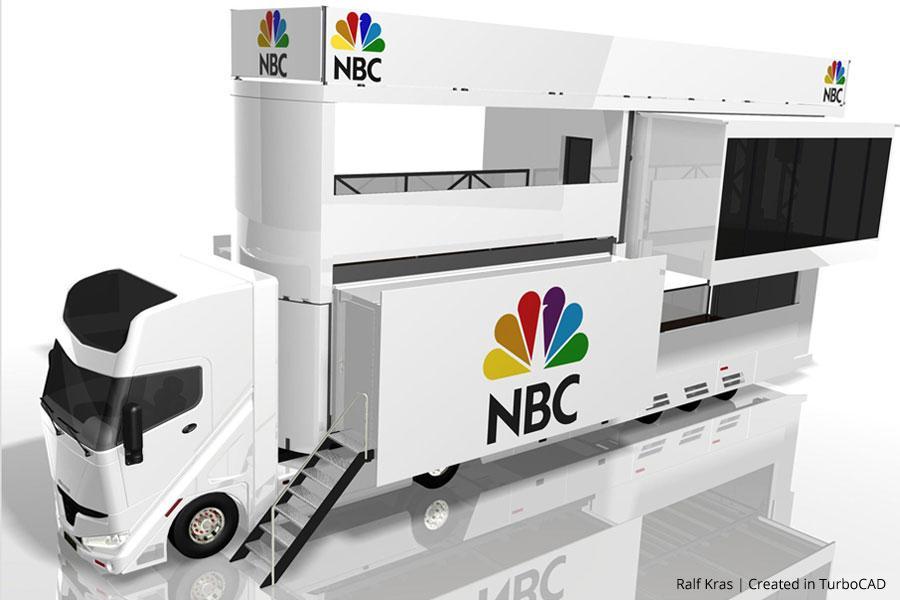
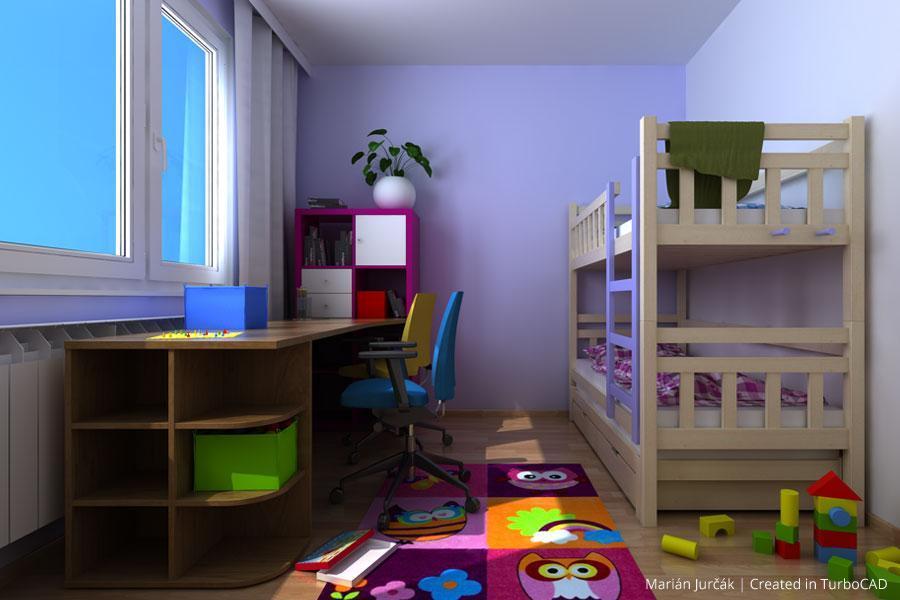

System Requirements
TurboCAD® is delivered in a 64-bit version to fully utilize your hardware’s available memory for loading, processing, and rendering CAD files.
Operating System
Microsoft Windows 11, Windows 10, Windows 8* 64-bit, Windows 7 (64-bit), Vista (64-bit) - 8 GB RAM.
Note: TurboCAD® is designed for desktops or laptops that meet these requirements. Windows RT technology for tablets is not supported.
Recommendation: Your experience with TurboCAD® will be greatly enhanced with a newer generation, higher-speed CPU, with 16+ GB RAM.
CPU Type
1 Gigahertz (GHz) or faster 64-bit (x64) Intel or AMD processor.
Note: ARM processors are not supported.
GPU Support
The TurboLux™ Rendering engine is included in TurboCAD® Platinum, Professional, and Deluxe.
Note: OpenCL (GPU-based) modes require an NVIDIA graphics card or GPU supporting OpenCL 1.2 or later, or NVIDIA’s CUDA version 10.0 or later.
Recommendation: Install the latest driver updates before using TurboLux™ rendering.
Other
Mouse Pointing Device (wheel button recommended).
Important Notice tto users of Term Licenses: An active Internet connection is required to verify and maintain a Term License.
Buy Your TurboCAD Product Now
Find the TurboCAD version that best fits your needs
TurboCAD Platinum
$1,49999
- 2D Drawing, Editing & Modifying
- AutoCAD® File Compatibility
- 3D Modeling & Editing
- Photorealistic Rendering
- 3D Printing Support
- Architectural Tools
- Simple BIM via IFC Support
- 2D Drafting Interface Options
- Internal & External Database Connectivity
- Point Cloud & Terrain Data Support
- ACIS® Solid Modeling
- 2D Geometric & Dimensional Constraints
- Part Tree/History Tree
TurboCAD Professional
$99999
- 2D Drawing, Editing & Modifying
- AutoCAD® File Compatibility
- 3D Modeling & Editing
- Photorealistic Rendering
- 3D Printing Support
- Architectural Tools
- Simple BIM via IFC Support
- 2D Drafting Interface Options
- Internal & External Database Connectivity
- Point Cloud & Terrain Data Support
- -
- -
- -
TurboCAD Deluxe
$39999
- 2D Drawing, Editing & Modifying
- AutoCAD® File Compatibility
- 3D Modeling & Editing
- Photorealistic Rendering
- 3D Printing Support
- Architectural Tools (Limited)
- Simple BIM (Limited)
- -
- -
- -
- -
- -
- -
TurboCAD Designer
$19999
- 2D Drawing, Editing & Modifying
- AutoCAD® File Compatibility
- -
- -
- -
- Architectural Tools (Very Limited)
- -
- -
- -
- -
- -
- -
- -