







 Essential 2D/3D CAD Software
 Brand Comparison
 Free Trial
 Image Gallery
 Testimonials
 User Forums
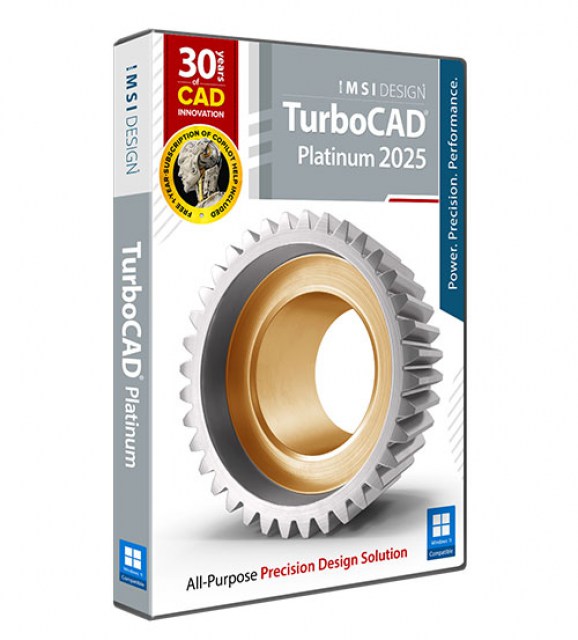
Key Features
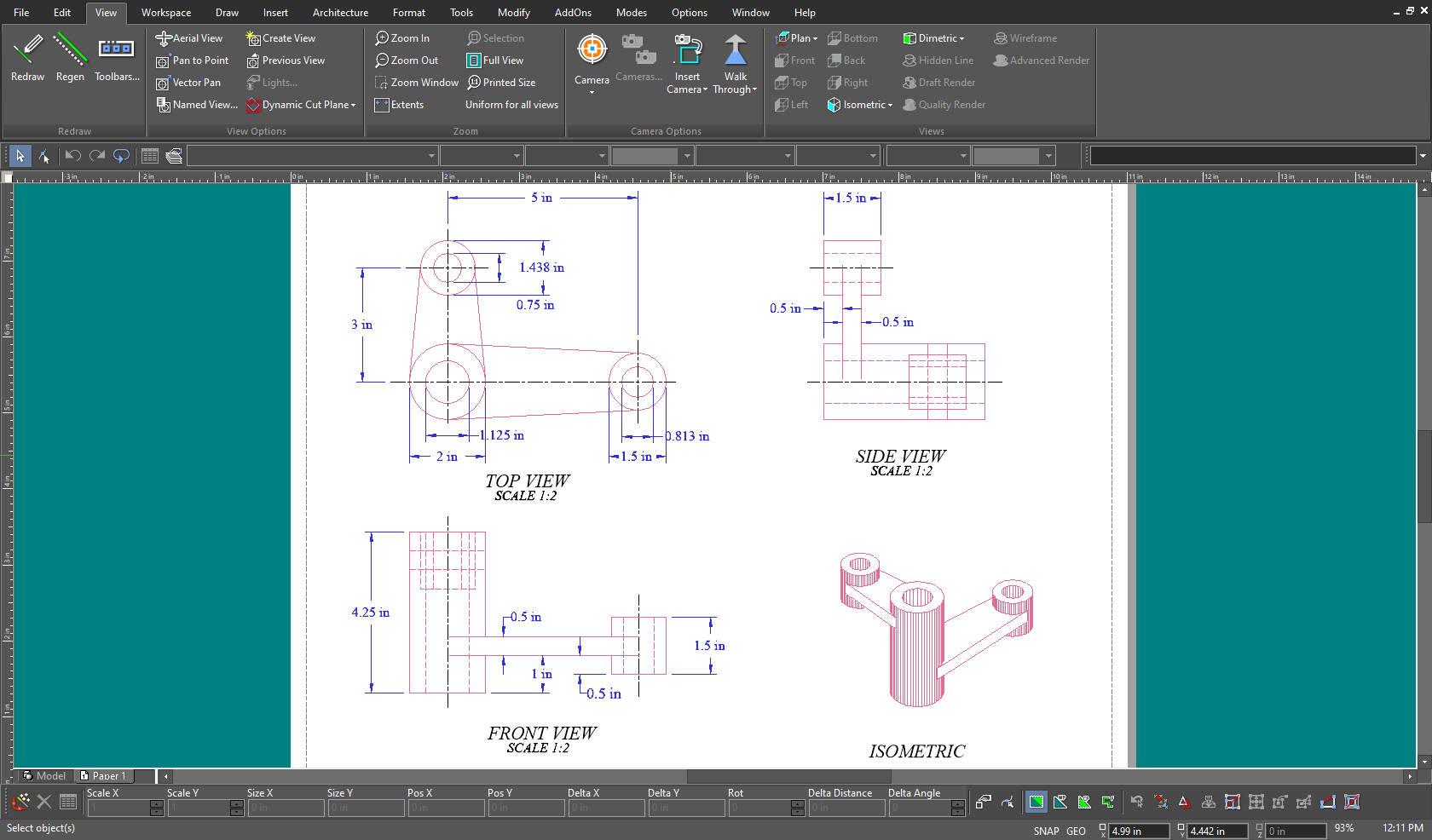
Comprehensive 2D/3D Drafting & Modeling
A full suite of tools for precise line work, curves, splines, and advanced surface modeling.

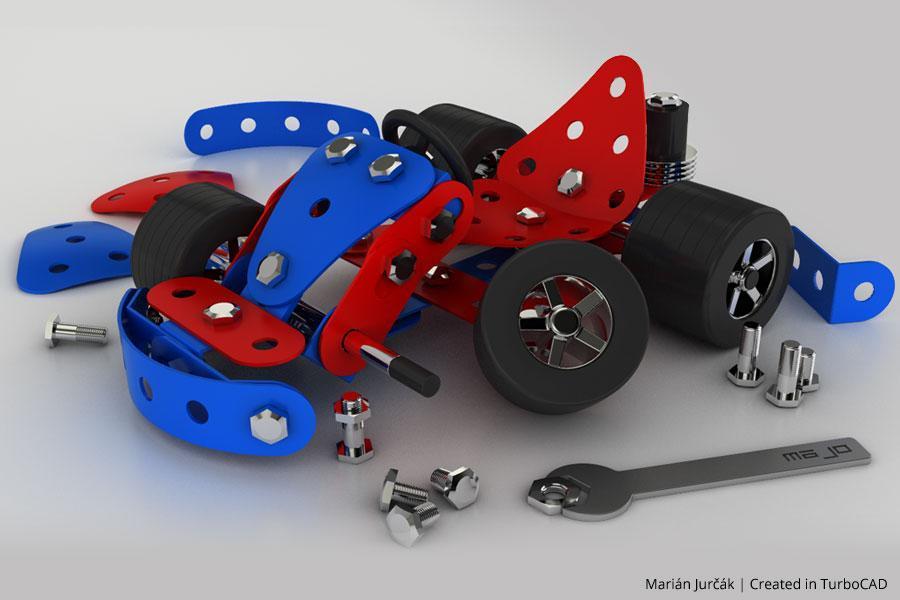
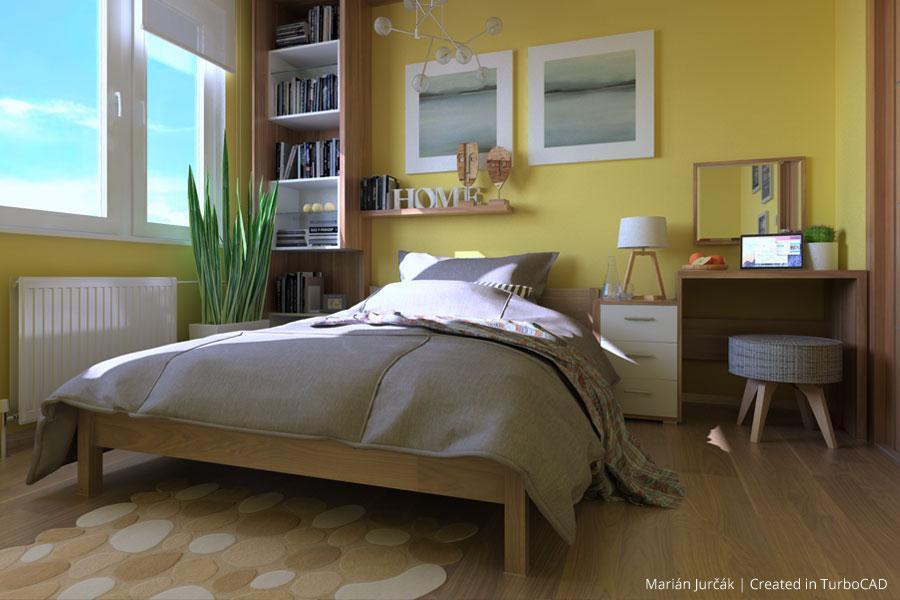
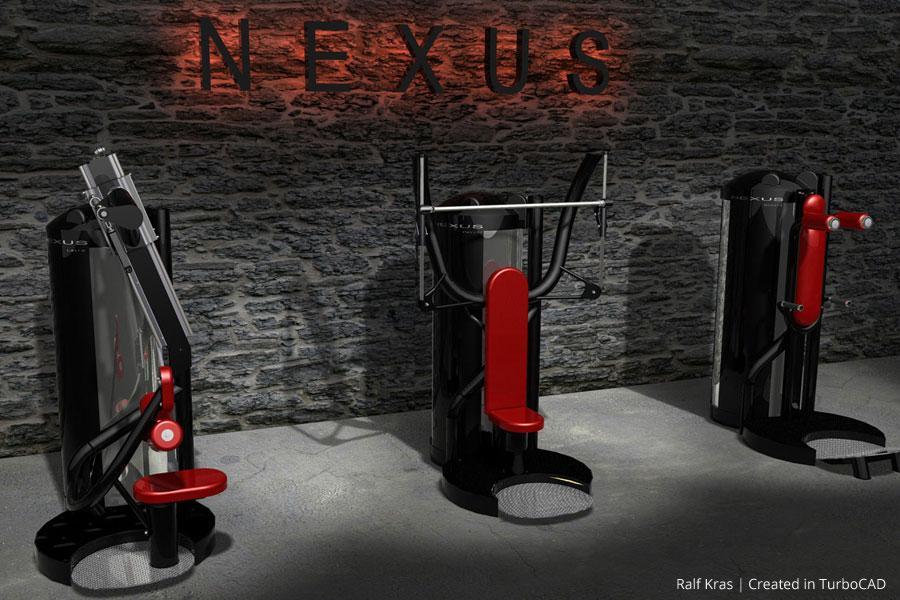
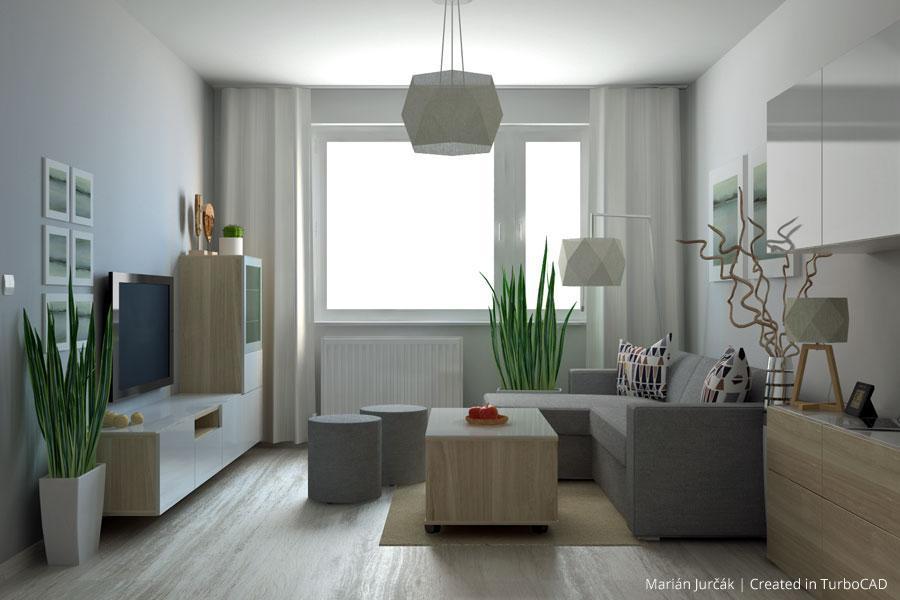
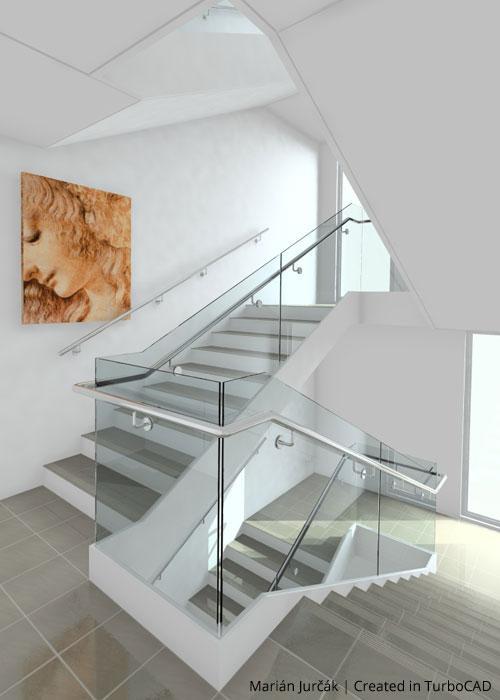
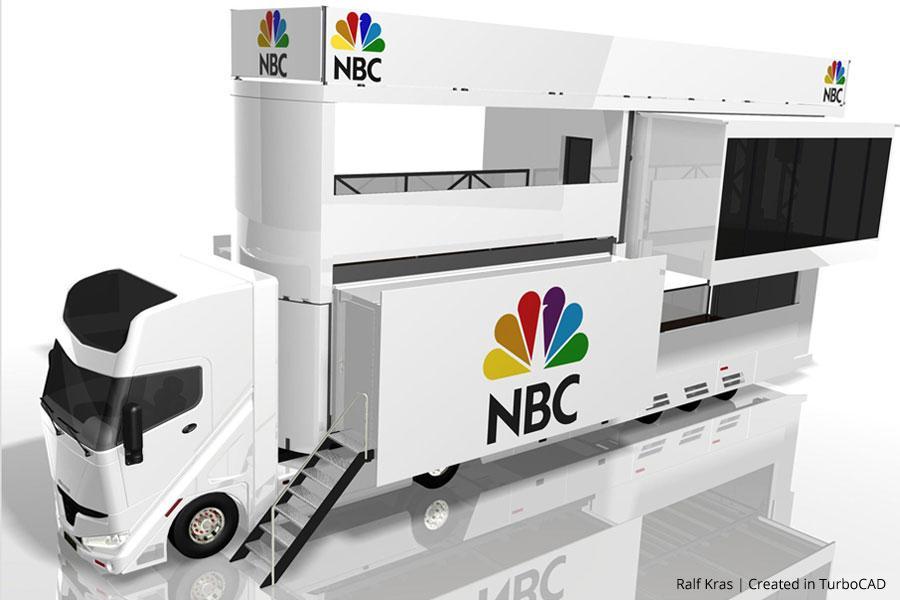
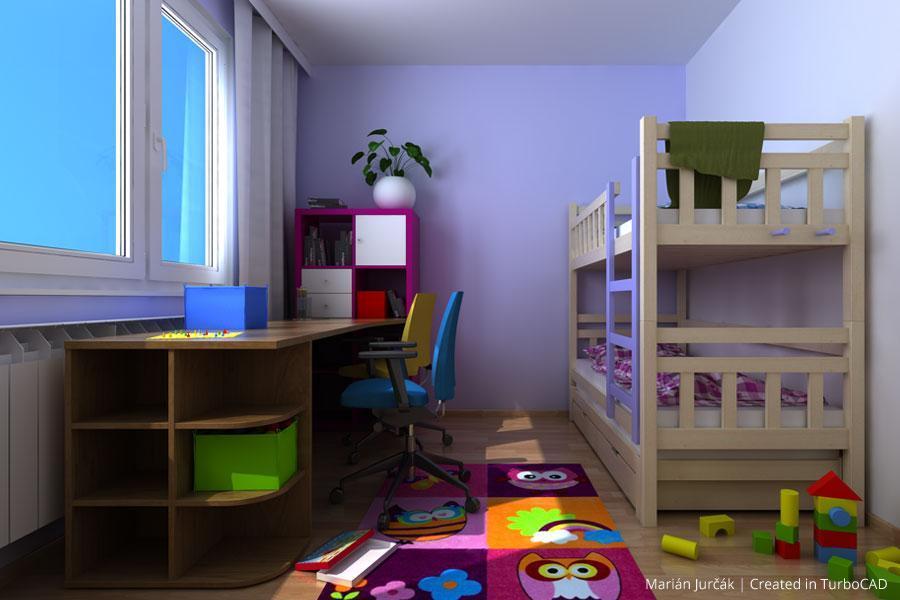
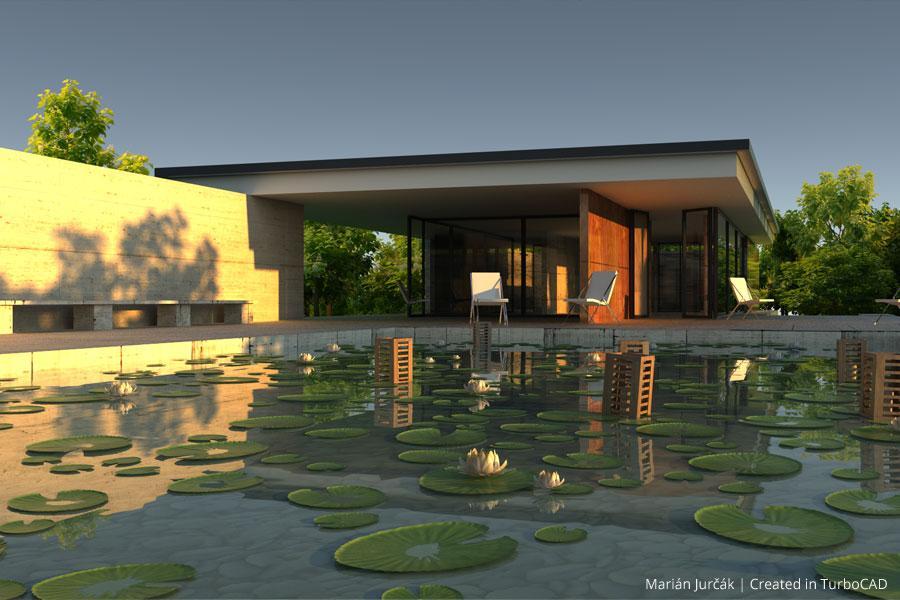
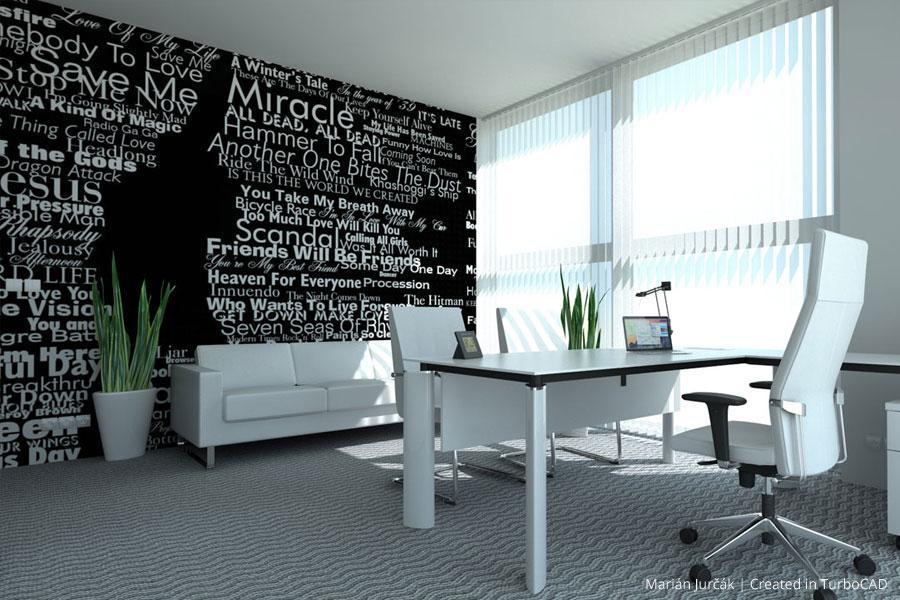
Photorealistic Rendering & Ray-Tracing
High-quality visualization with realistic lighting and shadow effects for professional presentations.
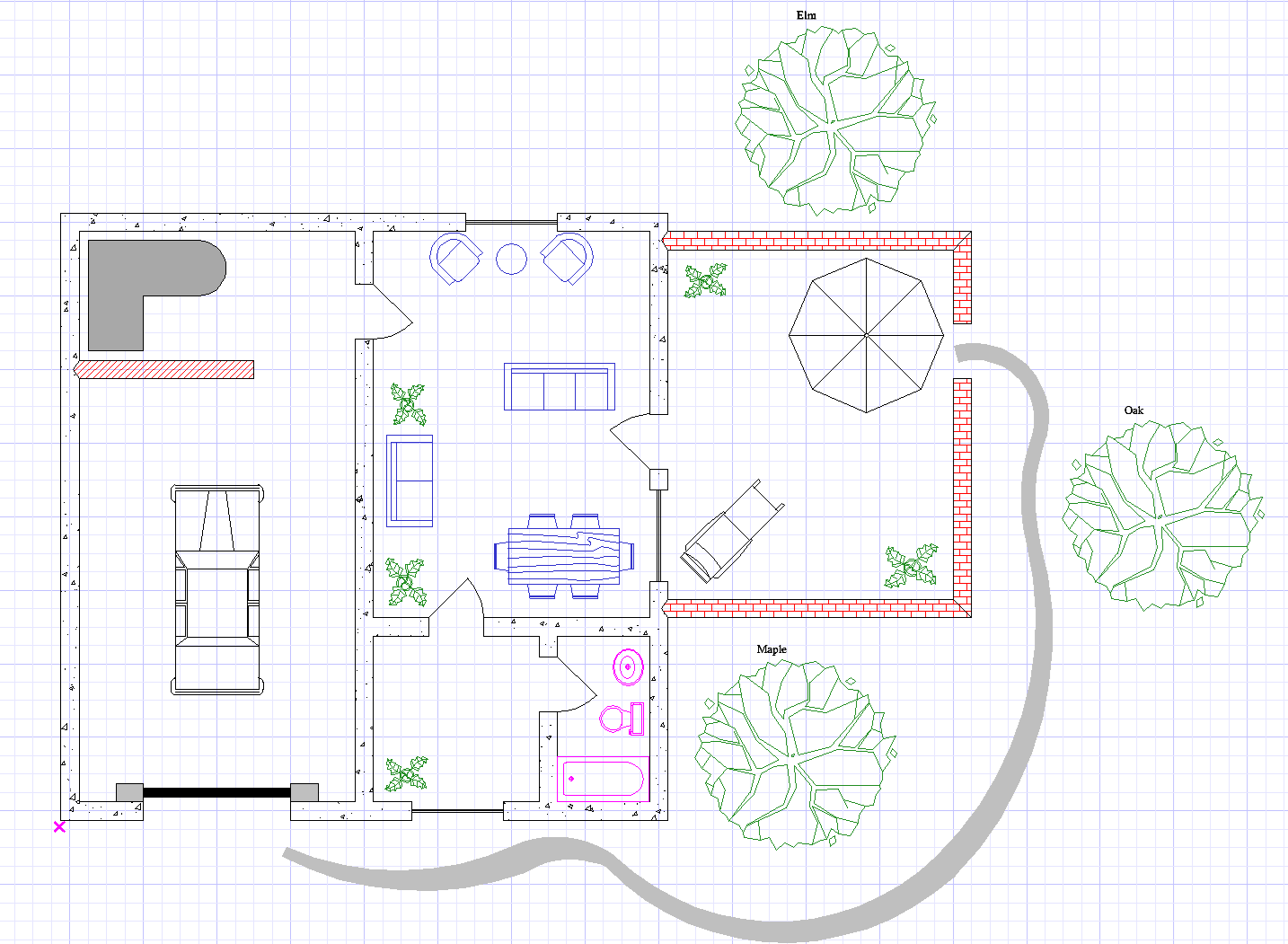
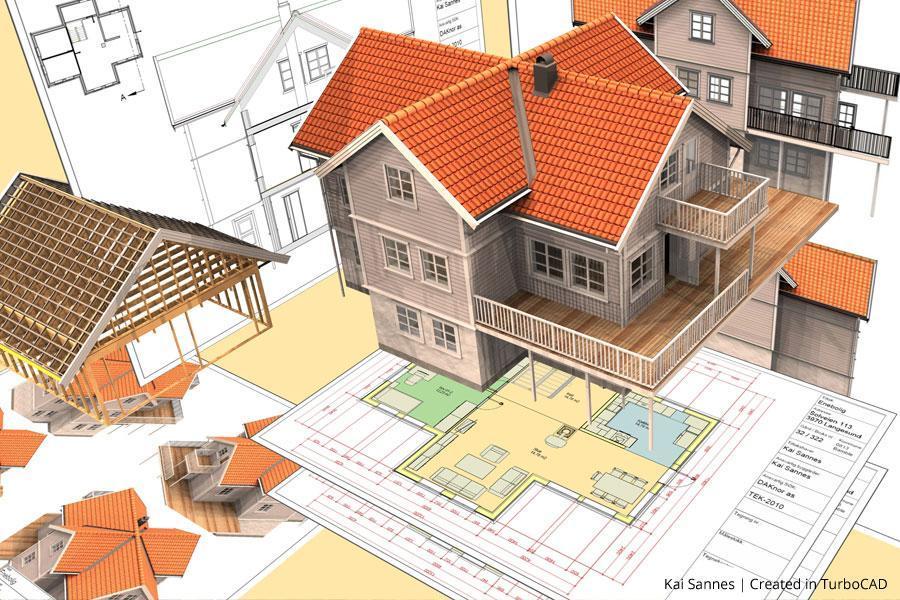
Parametric Architectural Objects & House Builder Wizard
Intelligent, attribute-rich objects that streamline architectural design workflows, including automated room layouts.

Boolean & Extrusion Tools
Advanced operations for combining, subtracting, and shaping 3D models efficiently.
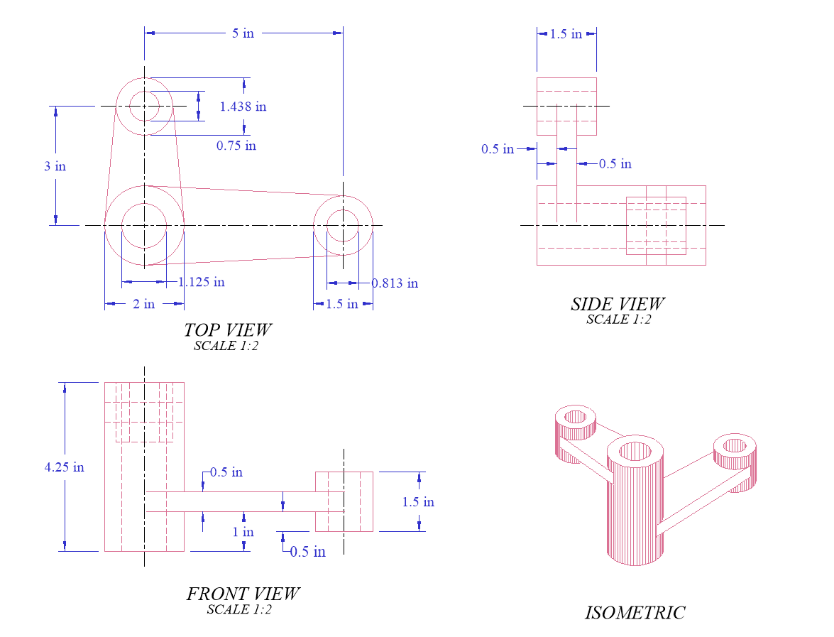
Text Editing, Annotation & Precision Drafting Tools
Expanded text tools with numbered lists, bullet points, multi-column support, smart dimensioning, associative center lines, and basic shapes with smart connectors.
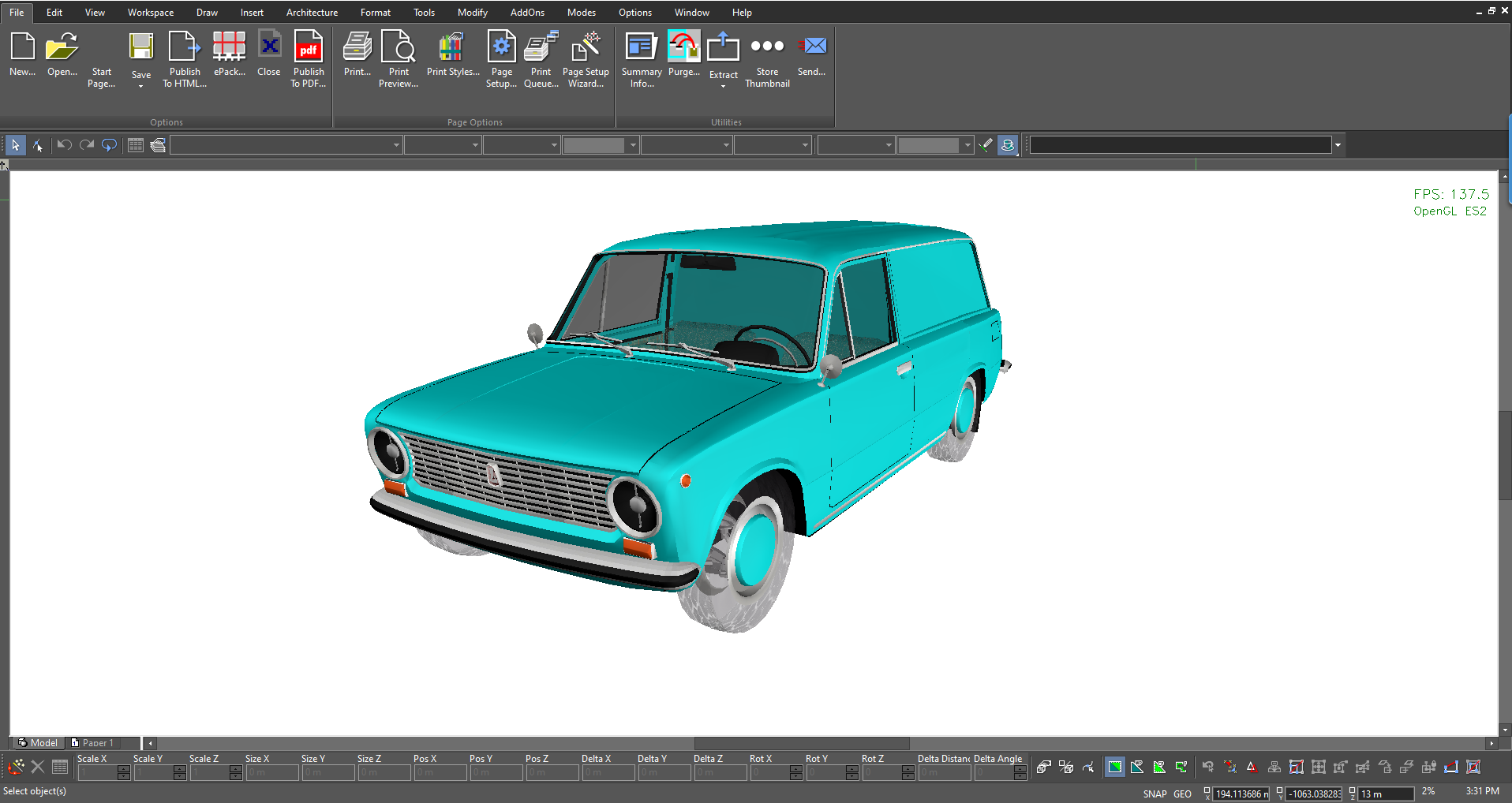
Interoperability & File Compatibility
Extensive support for industry-standard CAD formats, including DWG, DXF, SketchUp, and 3D printing file types, ensuring broad compatibility.
TurboCAD Deluxe Reviews
"I've used TurboCAD for 15 years or so, and this version keeps the tradition of performance excellence unchanged. I can't figure out what keeps AutoCAD in business."
Steven B.
"With its TurboCAD line, IMSI has been demonstrating for years that the drafting needs of many thousands of engineering and architectural professionals can be more than adequately met with software costing only a couple hundred dollars."
Joel O.
"The makers of TurboCAD have done a great job making the type of program (CAD) that I was intimidated by very easy to use. It has the power of other programs priced in the high hundreds if not thousands."
Robert M.
"TurboCAD Deluxe has all the features I need to design in 3D, produce dimensioned drawings, and output STL and DWG files for CAM."
John D.
"I found TurboCAD many years ago while looking for inexpensive design software for home use. TurboCAD Deluxe fit the bill perfectly and continues to please today."
Tracy R.
"TurboCAD is excellent and affordable. I first used it 20 years ago, and even that version did all I needed."
Kurt Z.
"I have found that TurboCAD has performed as well as software many times the cost. Best bang for the buck!"
Eddie L.
"Best value in the CAD world. No compromise CAD for an amazing price."
Eddie L.
"TurboCAD Deluxe has all the features I need to design in 3D, produce dimensioned drawings, and output STL and DWG files for CAM."
John D.




System Requirements
TurboCAD LTE Deluxe is delivered in a 64-bit version to take full advantage of your hardware’s available computer memory to load, process, and render CAD files.
64-Bit
Operating System: Microsoft Windows 11, 10, Windows 8* 64-bit, Windows 7 (64-bit), Vista (64-bit) - 8 GB RAM.
CPU Type 1 gigahertz (GHz) or faster 64-bit (x64) processor
Recommendation
GPU SUPPORT
The TurboLux™ Rendering engine is now included in all 2D/3D versions of TurboCAD 2023. When running TurboLux, the OpenCL (GPU-based) modes require an NVIDIA graphics card or GPU that supports either OpenCL 1.2 or later, or NVIDIA’s CUDA version 10.0 or later. It is recommended that you install the latest driver updates before using TurboLux rendering.
Buy Your TurboCAD Product Now
Find the TurboCAD version that best fits your needs
TurboCAD Platinum
$149999
- 2D Drawing & Editing & Modifying
- AutoCAD® File Compatibility
- 3D Modeling & Editing
- Photorealistic Rendering
- 3D Printing Support
- Architectural Tools
- Simple BIM via IFC Support
- 2D Drafting Interface Options
- Internal & External Database Connectivity
- Point Cloud & Terrain Data Support
- ACIS® Solid Modeling
- 2D Geometric & Dimension Constraints
- Part Tree/History Tree
TurboCAD Professional
$99999
- 2D Drawing & Editing & Modifying
- AutoCAD® File Compatibility
- 3D Modeling & Editing
- Photorealistic Rendering
- 3D Printing Support
- Architectural Tools
- Simple BIM via IFC Support
- 2D Drafting Interface Options
- Internal & External Database Connectivity
- Point Cloud & Terrain Data Support
- -
- -
- -
TurboCAD Deluxe
$24999
- 2D Drawing, Editing & Modifying
- AutoCAD® File Compatibility
- 3D Modeling & Editing
- Photorealistic Rendering
- 3D Printing Support
- Architectural Tools (Limited)
- Simple BIM via IFC Support (Limited)
- -
- -
- -
- -
- -
- -
TurboCAD Designer
$6999
- 2D Drawing, Editing & Modifying
- AutoCAD® File Compatibility
- -
- -
- -
- Architectural Tools (Very Limited)
- -
- -
- -
- -
- -
- -
- -