


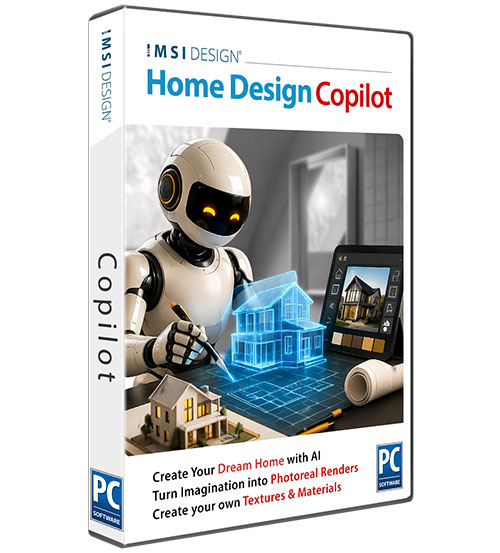
Home Design Copilot Term License (1 Year/Annual)

Product Info
Home Design Copilot brings an intelligent, prompt‑driven workspace into your design process. It understands the context of your project and turns natural‑language direction into images, materials, assets, and guidance that move ideas forward. Start from a plan, a view, a rendering, a photo, or a simple prompt. Add reference images, style cues, lighting notes, or material direction. Copilot blends these inputs with the structure of your design, creating visuals that clarify decisions long before detailed modeling begins. Whether enhancing a rendering, generating new assets, exploring environments, or asking product questions, Home Design Copilot keeps everything in one focused place—so creativity stays uninterrupted. Prompt‑driven image creation
Rendering enhancement with preserved structure
Reference‑guided material and style updates
2D plans become 3D scenes
On‑demand plants textures and materials
Built‑in product help and design guidance
 Brand Comparison
 Image Gallery
 Testimonials
 User Forums
New Features
Home Design Copilot
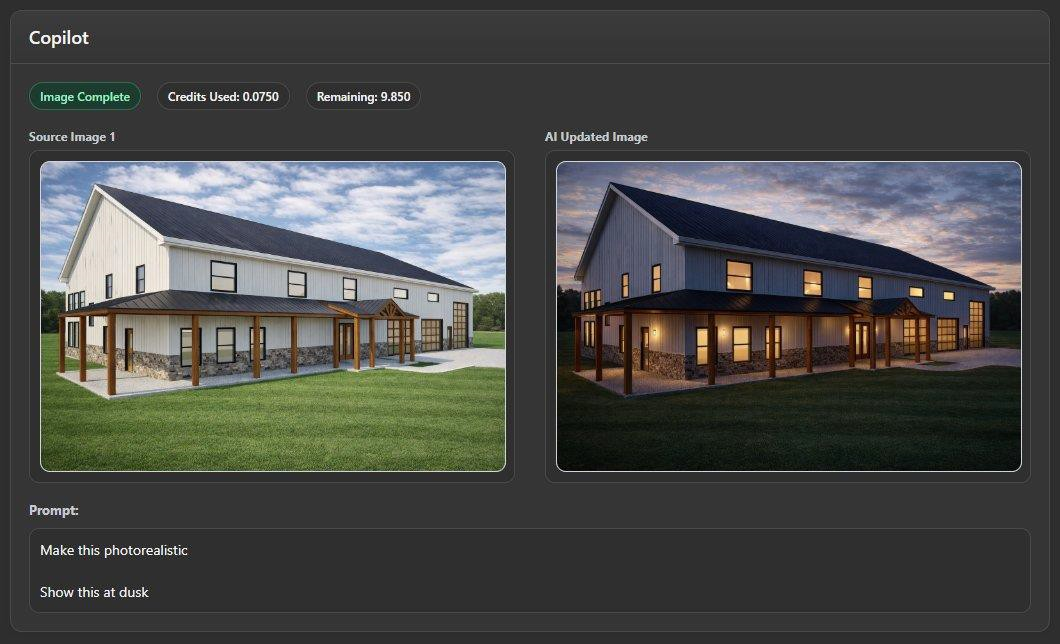
Home Design Copilot introduces a prompt-driven AI workspace for visualization, image creation, product help, texture generation, plant creation, and design exploration. Start from a plan, 3D view, rendering, source image, or plain-language prompt, then guide the result with reference images, materials, lighting, style cues, and setting ideas.
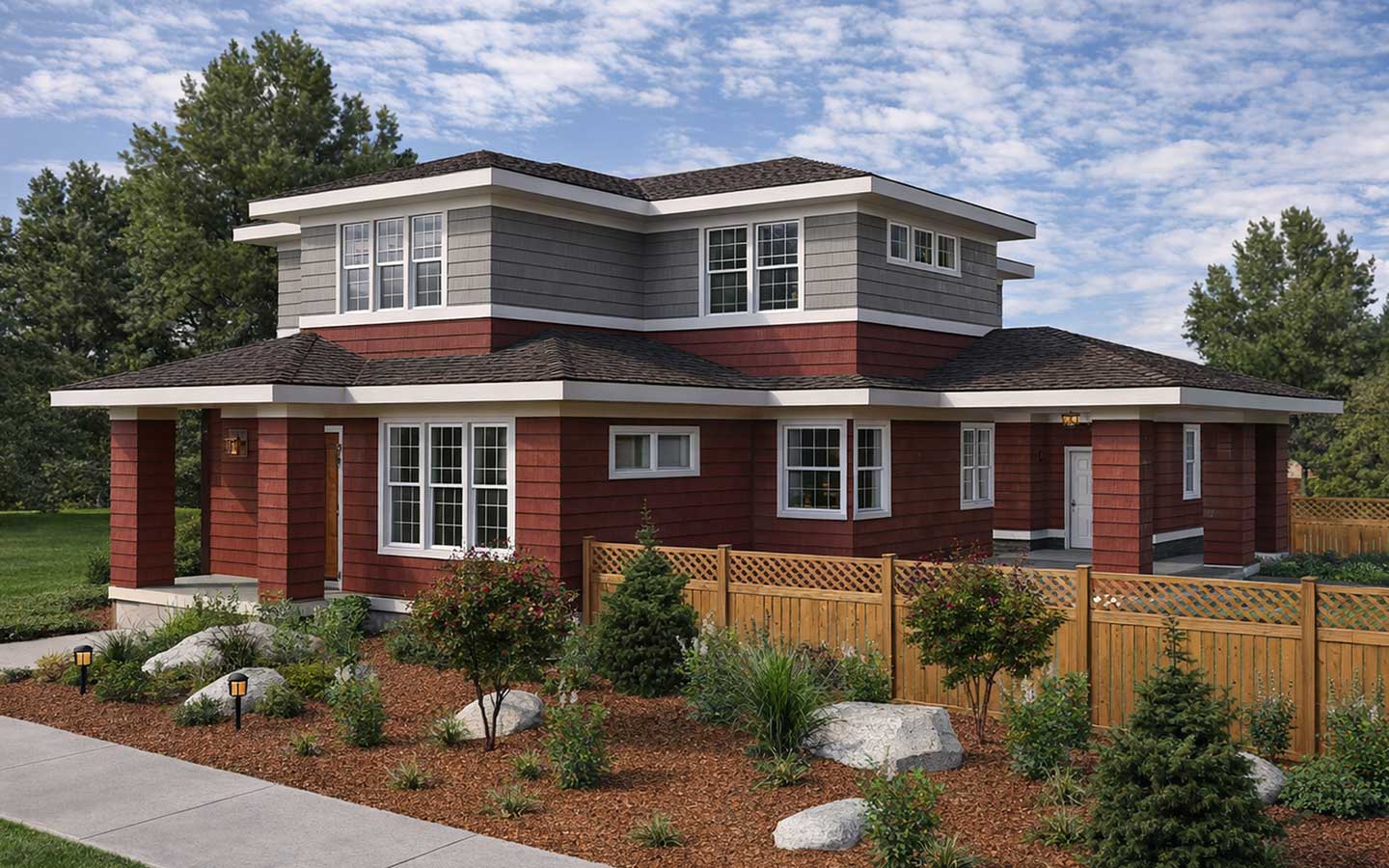
Rendering gets an imagination layer
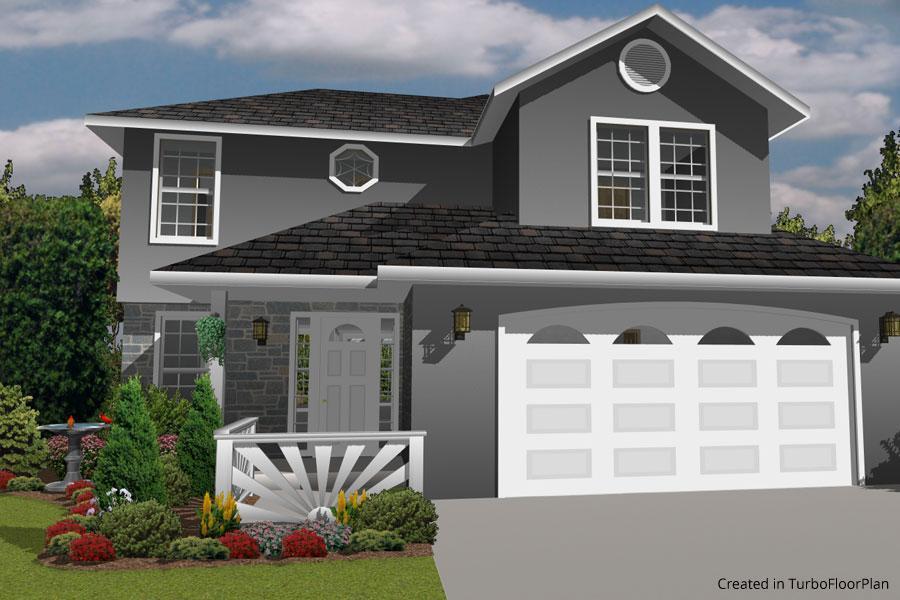
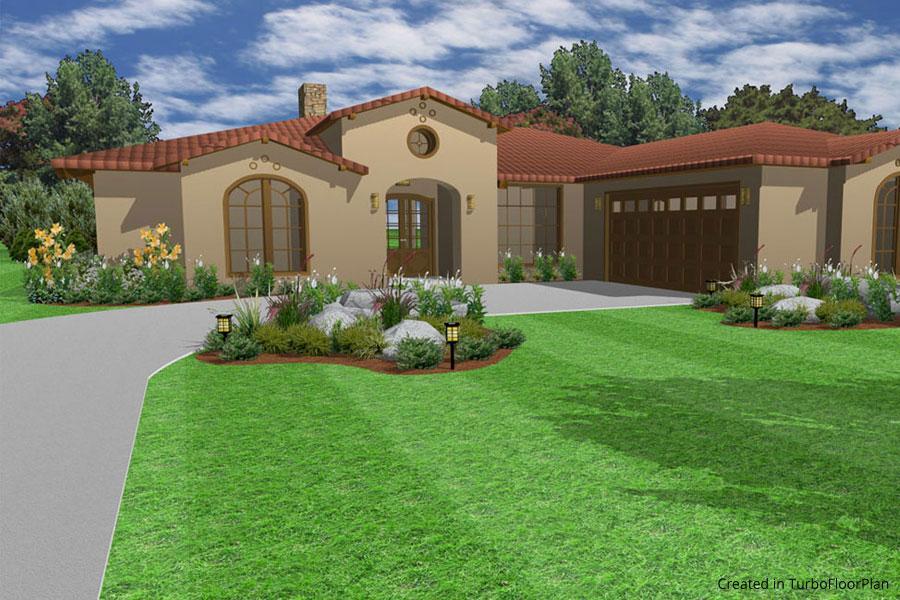
Transform a design view into a more polished visual concept while preserving the structure of the original scene. Explore exterior style, materials, lighting, landscaping, and presentation mood without rebuilding the model.
.
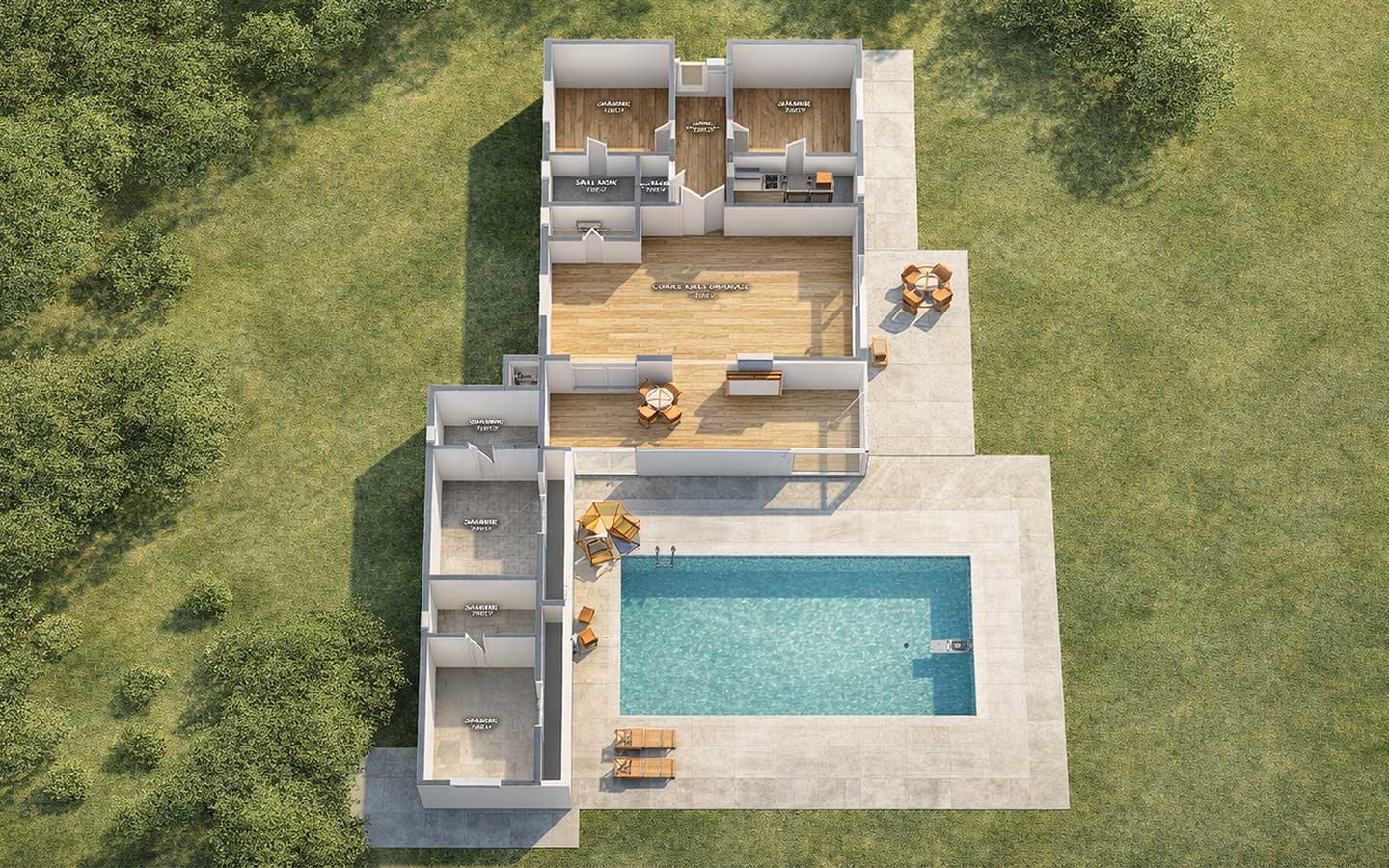
Plans become places
Use Copilot to help turn flat design ideas into richer spatial concepts. Reference images can guide setting, vegetation, material direction, and mood so early plans feel more grounded and easier to communicate.
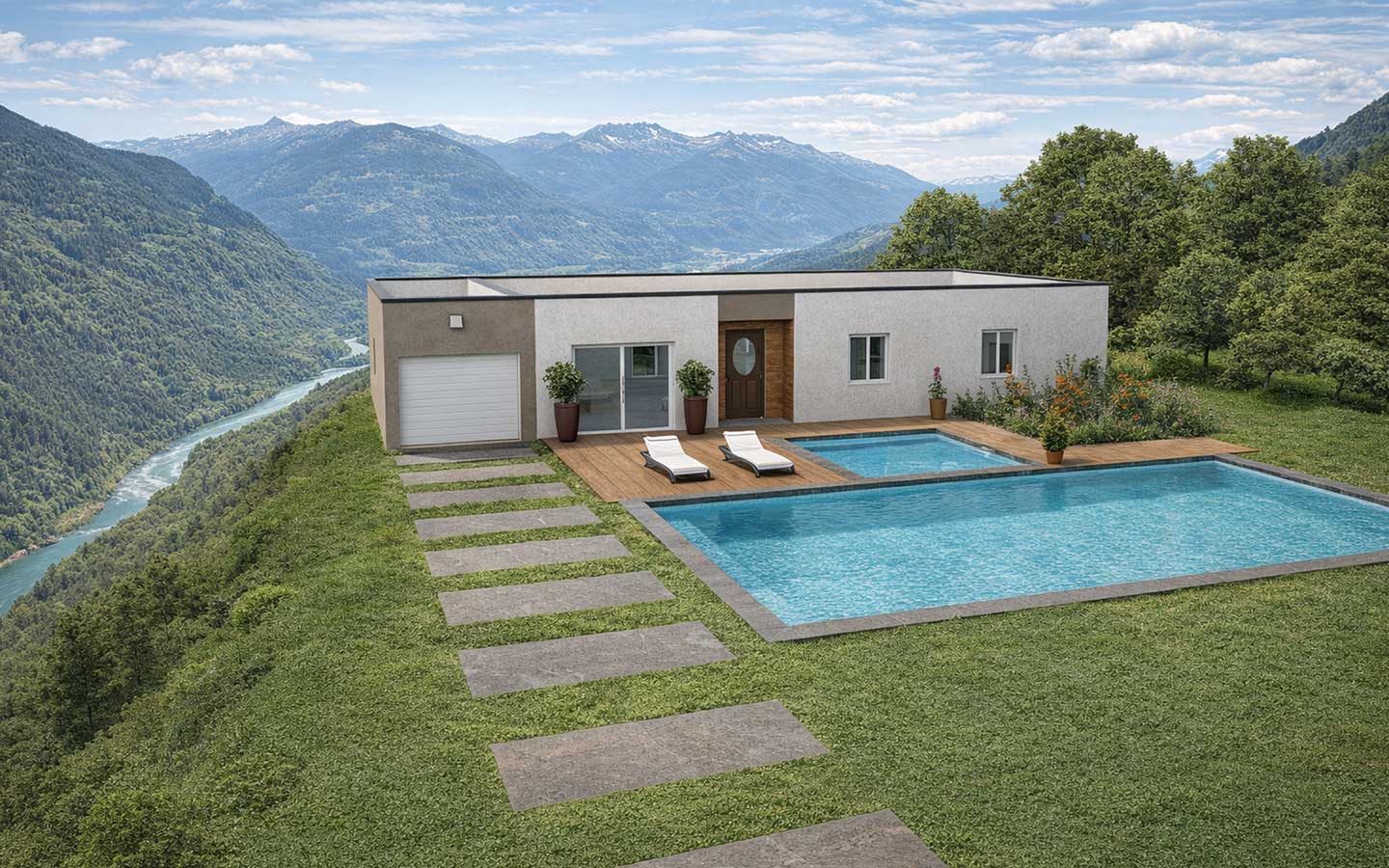
Explore designs in new environments
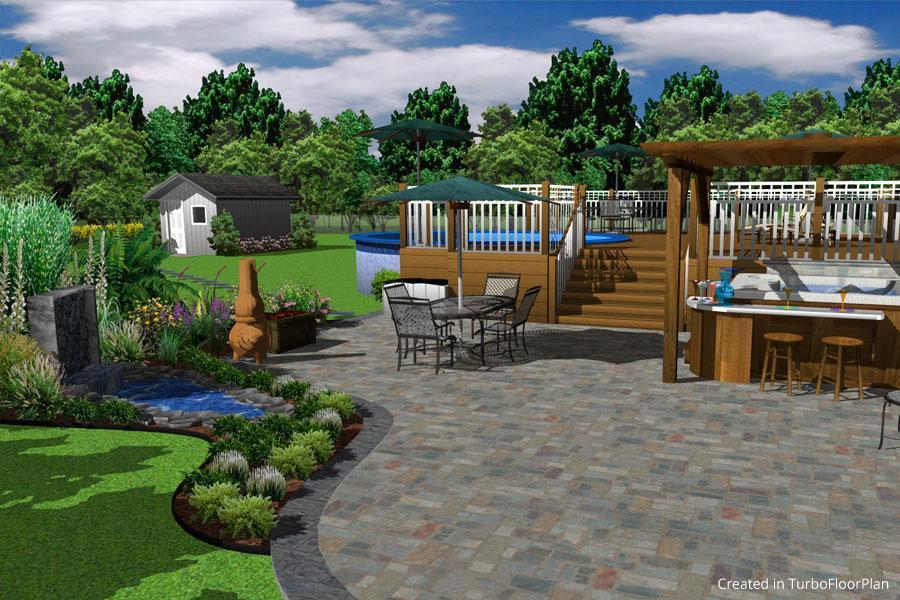
Test a home in new environments that would otherwise take hours to mock up — residential streets, wooded lots, dramatic landscapes, or entirely imagined settings. It’s a fast way to explore context, mood, and design decisions before committing time to detailed modeling.
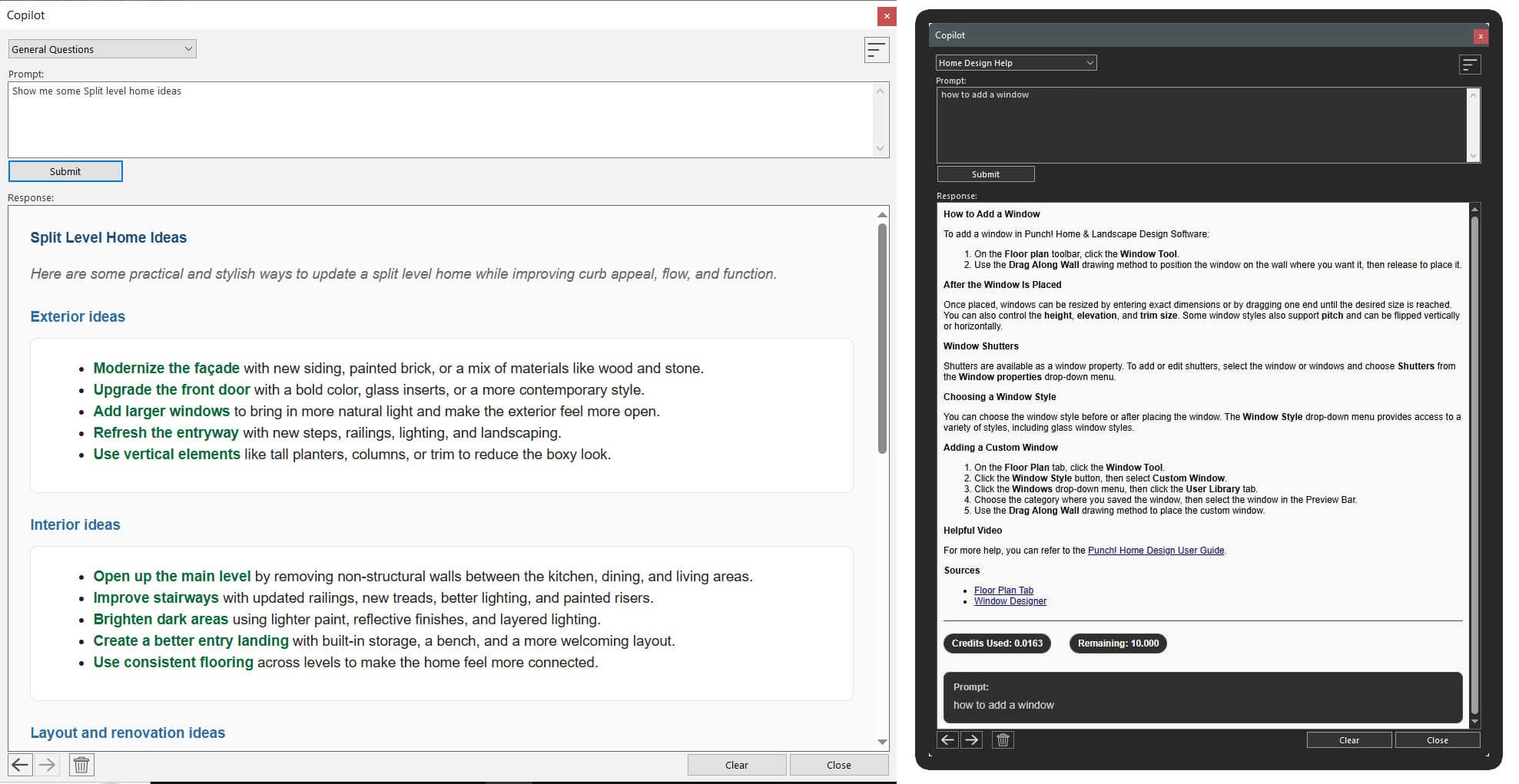
Explore, ask, create, and save
Home Design Copilot supports product questions, image history review, and saving useful results directly to your User Library, keeping inspiration and production tools in one place.
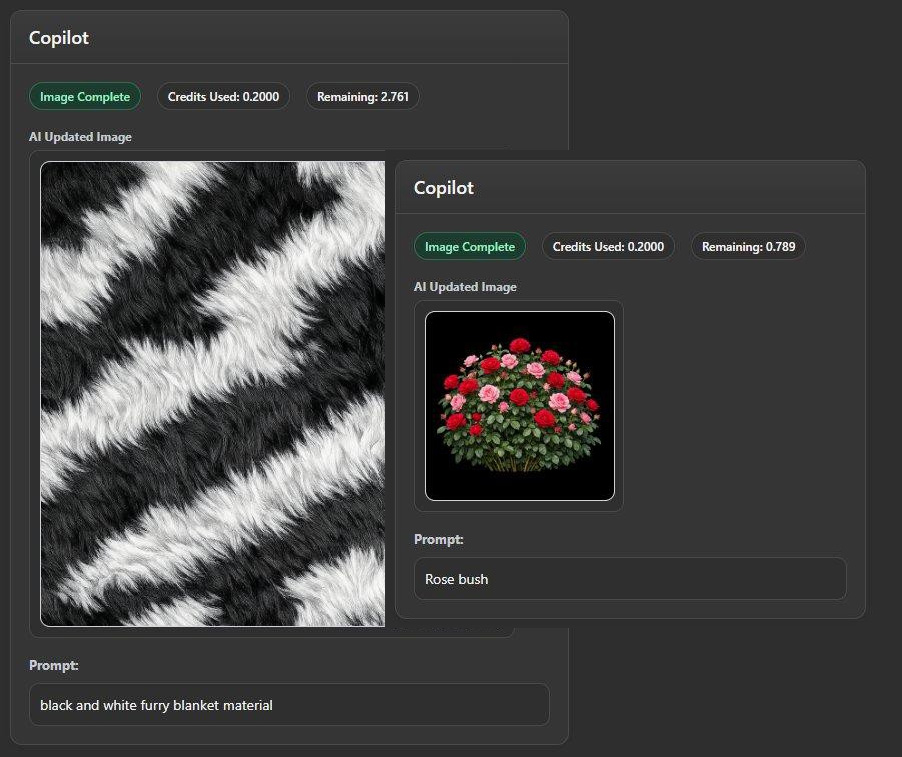
Aerial refinement
Atmosphere, angle, and style become part of every design conversation. Test the same project in different moods without rebuilding anything. Shift a scene to dusk, explore a more realistic aerial, or create a stylized concept image for early design discussions. Presentation style becomes as flexible as the design itself.
FloorPlan Reviews
"Great software! I have been searching for an easy to use, yet professional-looking floor plan software program for years now. I had tried most of the free options, but I was not happy with them. TurboFloorPlan is great & just what I needed. At the moment I am using fairly basic functions, but I look forward to exploring the more complex features when I have more time. Great value for money."
Jane Z.
"This user-friendly 3D home design software will have beginners drawing custom floor plans within the hour. However, it still has all the necessary tools to keep advanced users satisfied. With high quality renderings, powerful design tools and large object libraries, TurboFloorPlan Home & Landscape Pro easily earns our Top Ten Reviews Silver Award."
TopTenReviews
"Great product! I had been searching for a cad program to design the addition I wanted to build. Had taken some AutoCAD classes and knew it was a canon, while I just needed a fly swatter. It is easy to use but I still have a ways to go before I can become as proficient as I would like. I was able to produce designs and drawings that the Building Dept. accepted. I would recommend this product to anyone."
Leonard R.


System Requirements
To run this add on, you must have FloorPlan® Pro, Deluxe, Instant Architect, or Express for Windows installed. The system requirements of FloorPlan® Windows apply.
Buy Your FloorPlan Product Now
FloorPlan Instant Architect
$9999
- New 2D Design Engine
- NEW DWG/DXF Import/Export
- Advanced Floor Management
- Instant 3D Views
- Over 4670+ 3D Furnishings Included
- Over 7640+ Materials
- Accessories / Window Treatments
- Over 4000+ Plants
- Library Navigation and Preview Control
- Download Packs for 3D Objects, textures and more
- Point Selection Highlight Guides
- Multiple Monitor Support
FloorPlan Pro
$29999
- Click Room Additions
- Automatic & Custom Roof Tools
- 1000+ 3D Interior Design Furnishings & Materials
- Over 4000 Plants for Landscape Design
- Advanced Floor Management
- Foundation & HVAC Planning Tools
- Framing
- Import Materials, Backgrounds &Plants
- Fence Designer
- Global Sun Positioning
- Advanced Dimensioning Tools
- Interior Decorator Palette
FloorPlan Deluxe
$15999
- Click Room Additions
- Automatic & Custom Roof Tools
- 1000+ 3D Interior Design Furnishings & Materials
- Over 4000 Plants for Landscape Design
- Advanced Floor Management
- Foundation & HVAC Planning Tools
- Framing
- Import Materials, Backgrounds &Plants
- -
- -
- -
- -